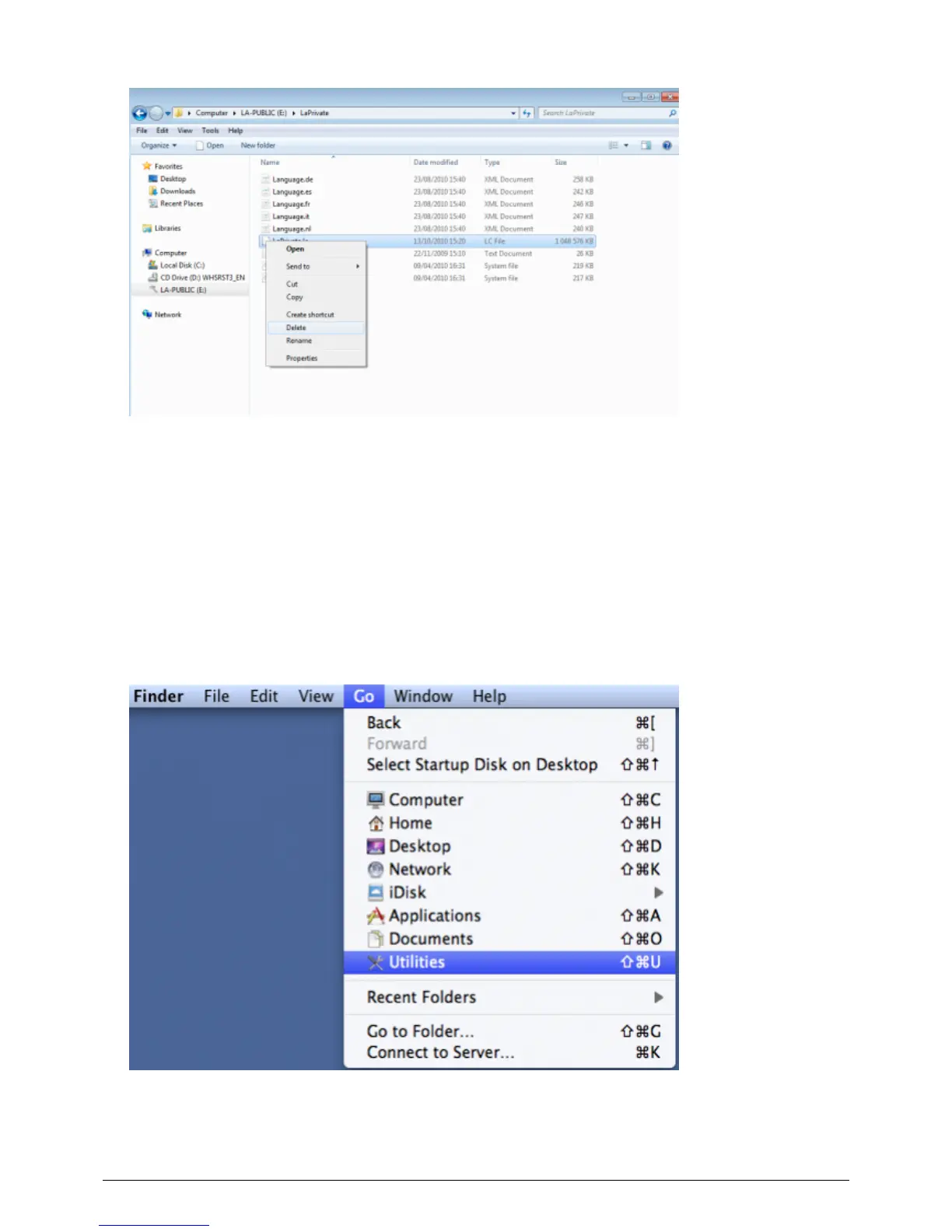
The LA-PRIVATE volume has been deleted.9.
To restore your folder settings, go to Tools > Folder Options. Select “Don't show hidden files, folders, or10.
drives” and click Apply.
Mac
Revealing hidden files in Mac OS X 10.5/10.6 requires the Terminal program.
Insert the LaCie storage device into the compatible interface port on your computer. The LA-PUBLIC icon1.
should appear on the desktop.
Go to the pulldown menu Go > Utilities.2.
Click twice on the program Terminal.3.
LaCie User Manual 32










 To Next Page