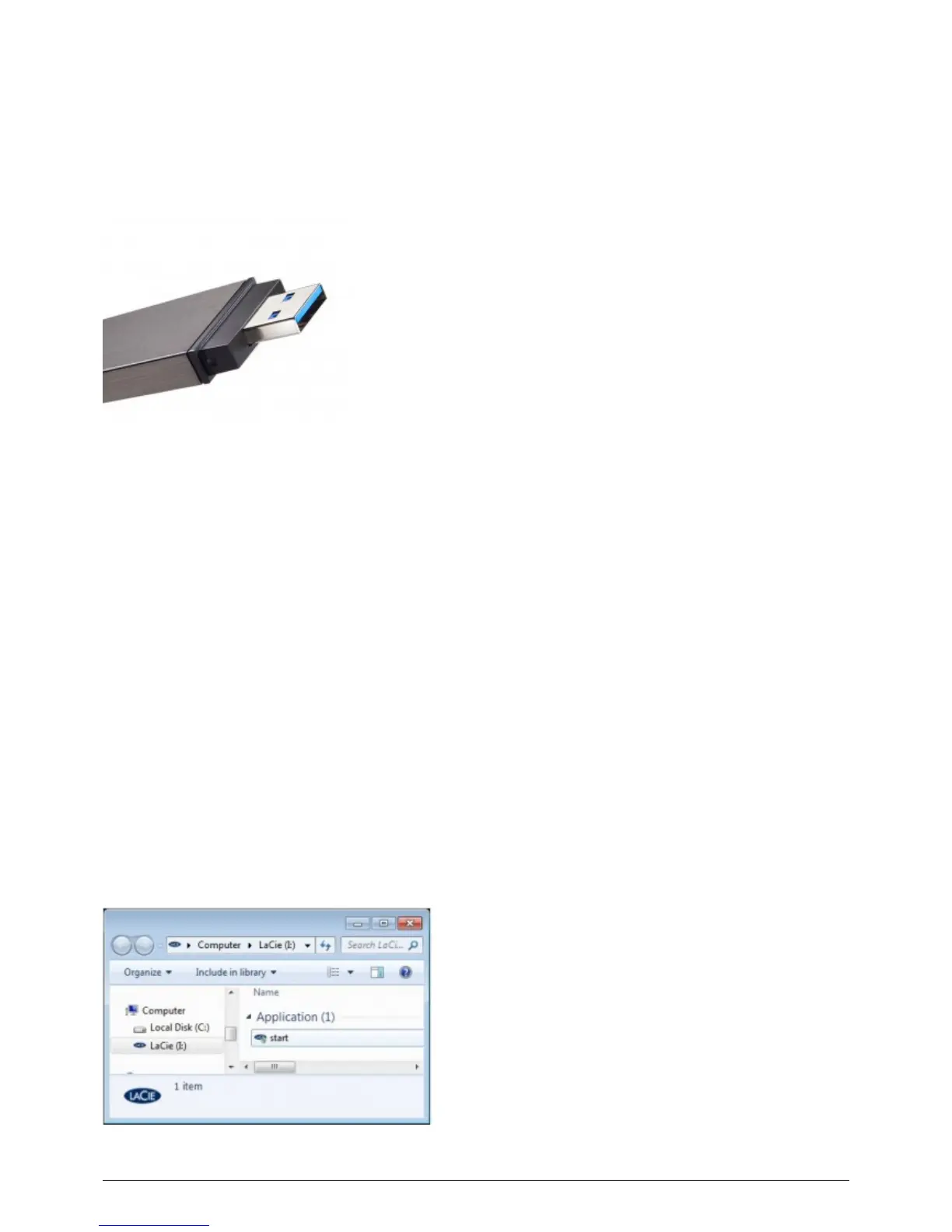
CONNECTING THE FASTKEY TO A COMPUTER
The FastKey is an easy Plug & Play USB Key. Locate the USB 3.0 or USB 2.0 port on your computer and attach
the USB male end of the FastKey.
FastKey USB 3.0 Male Connection
RUNNING LACIE SETUP ASSISTANT
Before using your LaCie storage device, LaCie Setup Assistant software must be launched. It will:
Easily format your storage device according to your needs.
■
Copy the User Manual and software utilities onto the storage device.
■
Once LaCie Setup Assistant has finished formatting your storage device, you can install and run the included
LaCie software utilities for additional features. Please see the applicable section(s) in your LaCie User Manual for
more information.
To launch LaCie Setup Assistant
LaCie Setup Assistant should launch automatically once you have connected your LaCie storage device to a
computer. If it has not launched, follow the steps below to begin preparing your LaCie storage device.
Windows users
Double click on the LaCie icon in My Computer/Computer and then double click start.exe.
5 LaCie User Manual










 To Next Page