Rugged Mini User Manual 8
LACIE DESKTOP MANAGER
LaCie Desktop Manager unlocks the full potential of your LaCie hard drive. It will allow you to see advanced
information on your drive and to configure Eco Mode.
Note: LaCie Desktop Manager is not compatible with all LaCie devices. Only compatible LaCie devices will
appear in LaCie Desktop Manager.
INSTALLING LACIE DESKTOP MANAGER
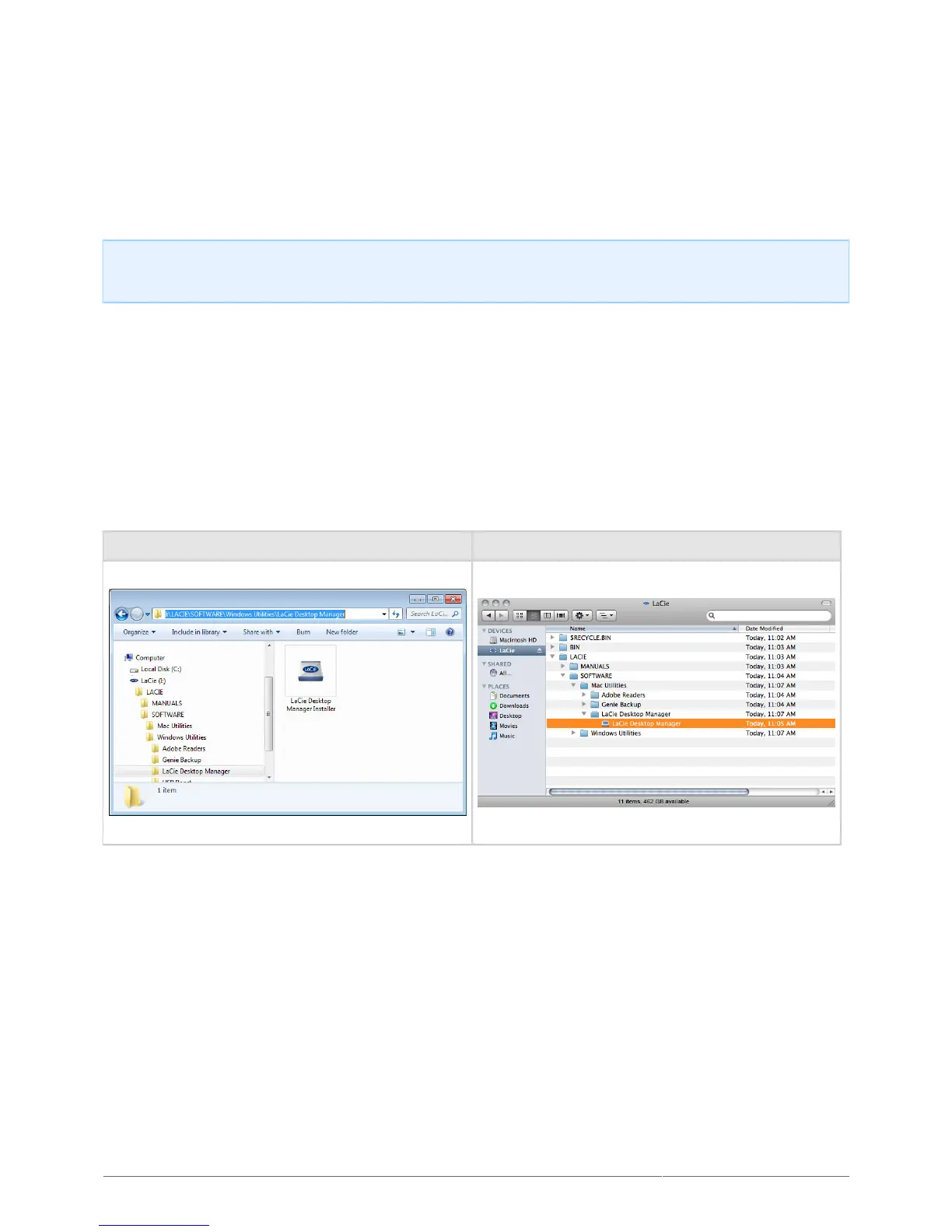
If LaCie Desktop Manager is not installed on your system (check your Windows Start Menu or Mac Applications
folder), you can install it by double clicking the drive icon in My Computer/Computer (Windows) or on the
Desktop (Mac), opening the LaCie/Software folder, then launching the installer located in the folder for your
operating system.
Windows Mac
When setup has completed, launch the LaCie Desktop Manager from the System tray (Windows) or the Menu
bar (Mac).












 To Next Page