Rugged Mini User Manual 5
GETTING CONNECTED
Installing your LaCie hard drive is easy for all users thanks to LaCie Setup Assistant. Please follow the setup
steps in the order they are given to ensure that your LaCie hard drive's volume mounts correctly on your
computer.
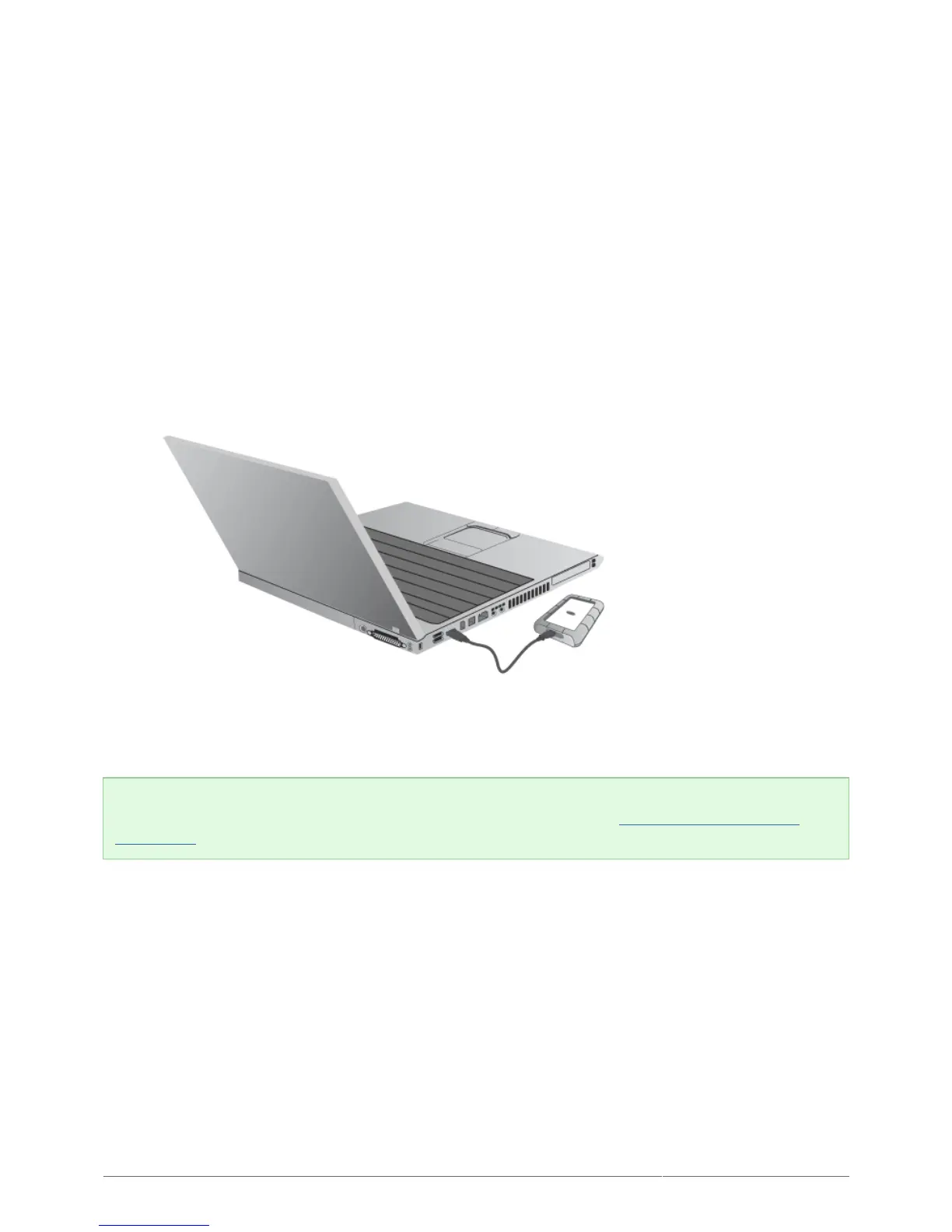
STEP 1 - CONNECT THE USB CABLE
Connect the USB cable from the drive to the computer.1.
The drive will mount on your computer.2.
Technical note: If the USB bus on your computer does not provide the necessary power to operate your
LaCie device, you may require a USB-Y cable, which can be purchased from www.lacie.com/accessories. See
USB-Y Cable for details.












 To Next Page