EasyManua.ls Logo

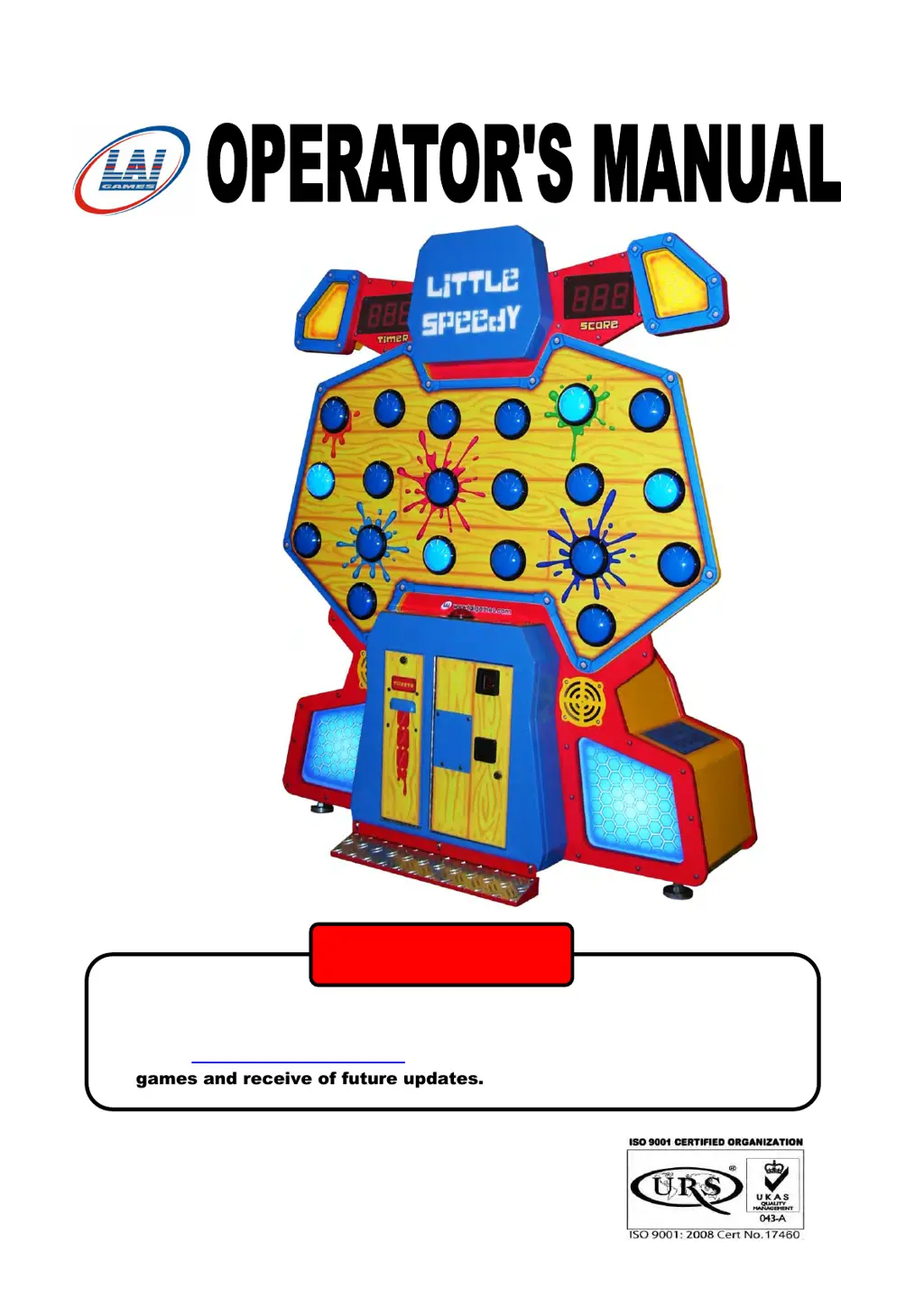
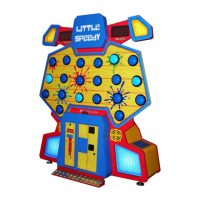
LAI Games Little Speedy - User Manual

LAI Games Little Speedy
51 pages
Print Icon
To Next Page IconTo Next Page
Loading...
► Read this manual BEFORE operating the machine.
► Keep this manual for your reference.
Go to www.LAIGames.com click on Operator Access to register your
games and receive of future updates.
PLEASE NOTE:
© LAI Games
To Purchase This Item, Please Visit : BMIGaming.com | Call Global Sales : + 561.391.7200 | USA / CA : (800) 746-2255

Questions and Answers

  • M
    Michael SantosAug 11, 2025
    What to do if the start button is jammed on LAI Games Arcade Game Machines?
    • D
      Debra RoblesAug 11, 2025
      If the Start button on your LAI Games Arcade Game Machines is jammed, it might be stuck or the micro switch could be faulty. Make sure the Start button moves freely. You can also use the Switch Test; a working button will show as C3.
  • V
    Victoria ShieldsAug 17, 2025
    How to fix ticket or capsule error on LAI Games Little Speedy?
    • V
      Victoria MyersAug 17, 2025
      If you're getting a ticket/capsule error on your LAI Games Arcade Game Machines, it could be due to a problem with the dispenser or a jam. First, check if the ticket/capsule dispenser is full. Also, inspect the ticket/capsule sensor/switch to ensure they are working correctly. You can use the switch test to check the sensor/switch, an active switch will display as C1 in switch test. Use a Digital Multimeter to check the voltage drive from the main CPU output to the motor or ticket/capsule connector.
  • A
    Anthony JohnsonAug 23, 2025
    What to do if I get an EEPROM error on LAI Games Little Speedy Arcade Game Machines?
    • L
      Linda WestAug 23, 2025
      If you encounter an EEPROM error on your LAI Games Arcade Game Machines, the CPU might be having trouble reading the EEPROM. Try turning the machine off and on a couple of times. If that doesn't work, replace the EEPROM IC (Atmel 24C16) on the CPU PCB with a new one. If this error persists, please send your main MCU PCB to the nearest authorized Distributor for repair.
  • N
    Nicholas LongAug 29, 2025
    Why is there a coin error on my LAI Games Little Speedy Arcade Game Machines?
    • J
      Jeremy MartinAug 29, 2025
      If your LAI Games Arcade Game Machines shows a coin error, it might be because the coin switch is activated for too long. Check the NO/NC connection, clear any coin jams, or replace the faulty coin switch.
  • S
    silvanicoleSep 4, 2025
    What to do if the playfield button error appears on LAI Games Little Speedy?
    • V
      Victoria RobertsonSep 4, 2025
      If you're seeing a playfield button error on your LAI Games Arcade Game Machines, it means one or more buttons are activated for too long. Check the button connections (NO/NC) and make sure no buttons are stuck.

LAI Games Little Speedy Specifications

General IconGeneral
BrandLAI Games
ModelLittle Speedy
CategoryArcade Game Machines
LanguageEnglish

Related product manuals