- 6 - - 7 -
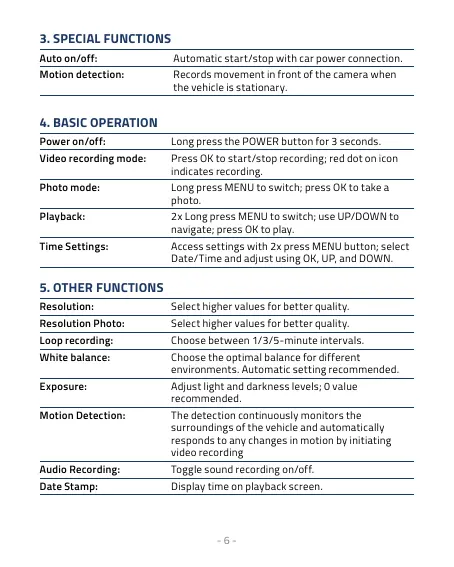
3. SPECIAL FUNCTIONS
Automatic start/stop with car power connection.
Records movement in front of the camera when
the vehicle is stationary.
4. BASIC OPERATION
Long press the POWER button for 3 seconds.
Press OK to start/stop recording; red dot on icon
indicates recording.
Long press MENU to switch; press OK to take a
photo.
2x Long press MENU to switch; use UP/DOWN to
navigate; press OK to play.
Access settings with 2x press MENU button; select
Date/Time and adjust using OK, UP, and DOWN.
5. OTHER FUNCTIONS
Select higher values for better quality.
Select higher values for better quality.
Choose between 1/3/5-minute intervals.
Choose the optimal balance for different
environments. Automatic setting recommended.
Adjust light and darkness levels; 0 value
recommended.
The detection continuously monitors the
surroundings of the vehicle and automatically
responds to any changes in motion by initiating
video recording
Toggle sound recording on/off.
Display time on playback screen.



 To Next Page