7
APPLICATION
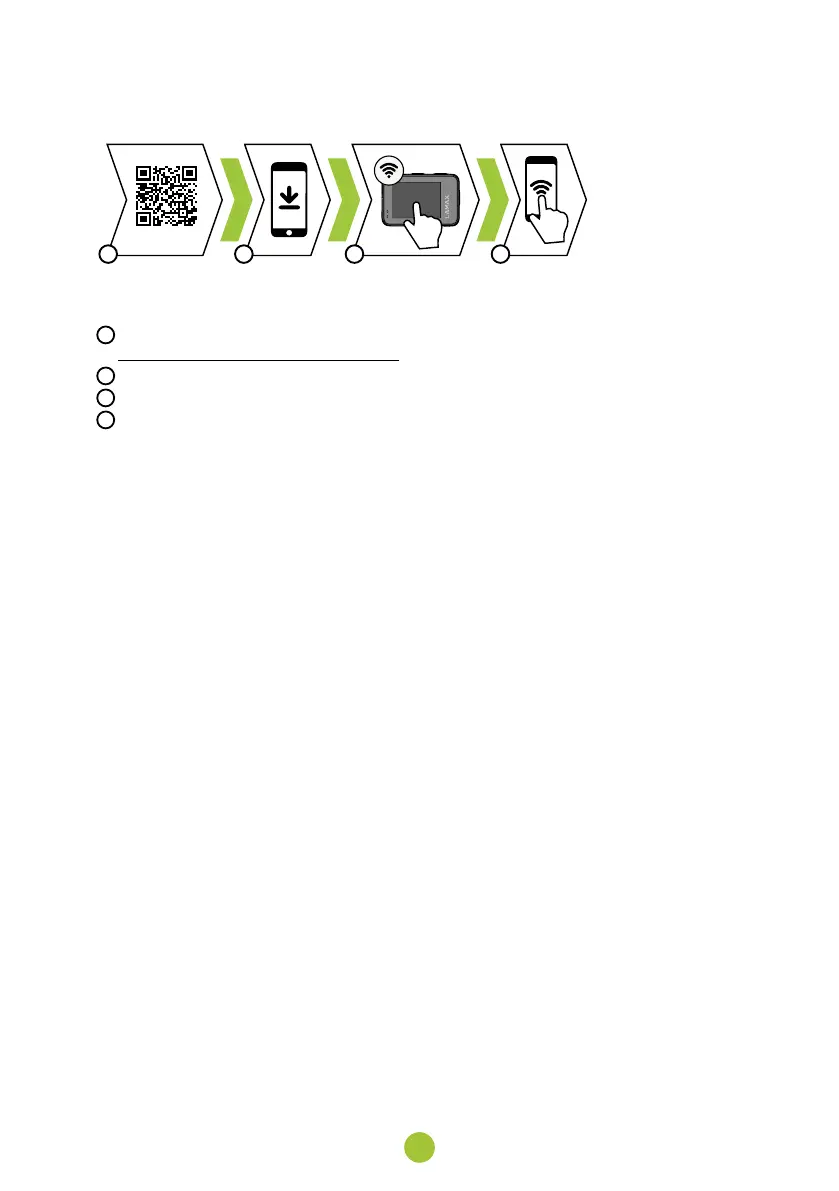
BA C D
With the mobile app, you will be able to change camera modes and settings or view and download recorded
videos and photos directly to your mobile device.
A
Scan the QR code to download the app or click the following link:
B
Install the app on your mobile device.
C
Turn on the WiFi in the camera by pressing the DOWN button.
D
On your mobile device, connect to the WiFi network with the camera name. The WiFi password is displayed
on the camera (default: 1234567890).
9. WATER RESISTANCE
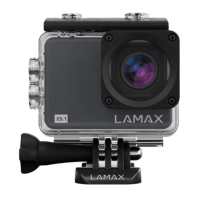
The camera is waterproof only when placed in a waterproof case.
The case can withstand immersion to a depth of 40 metres. Before using the camera inside the case, make sure
to close the case‘s rear door properly using the mechanism on the top of the case. The door and seal must be
free of all debris such as dust, sand, etc. When using in salt water, rinse the case down afterwards with fresh
water. Do not use any textile cloths or external heat sources (hair dryer, microwave, etc.) to dry the case and
always allow it to dry slowly. When using a waterproof case, the touchscreen of the camera cannot be used and
the camera must be operated using the buttons.
Not waterproof.


 To Next Page