8
Back to contents
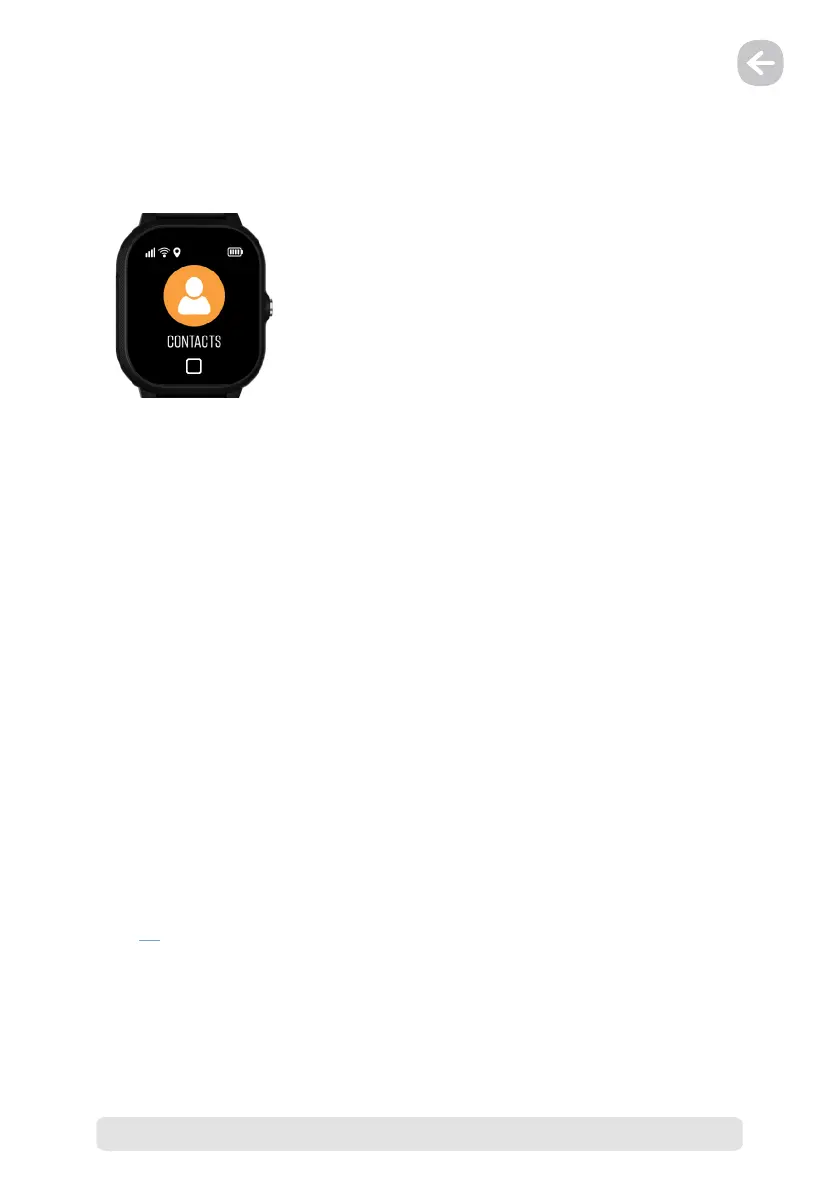
5) Contacts
The „Contacts“ section shows the names and phone numbers of saved contacts. These records
are managed in the LAMAX Tracking mobile application (Menu → Current device settings →
Contact list).
The primary goal of the device is to protect your child. The security of the LAMAX WatchY2
against unknown numbers means that no telephone number that is not stored in the
contacts of the LAMAX WatchY2 device can be dialled. This feature is turned on only when the
administrator number is set.
In the LAMAX Tracking application, set all telephone numbers that the LAMAX WatchY2 user
should call or that the LAMAX WatchY2 user might need (Menu → Current device settings →
Contact list).
Set the „Administrator phone number“ if you want to block incoming calls from numbers that
are not in the contact list (Menu → Current device settings → Administrator phone number)
If you do not set an „Administrator Phone Number“, you can call the device from any phone
number.
IMPORTANT NOTICE
As part of the initial setup of the application, do not forget to enter your and other necessary
phone numbers in the LAMAX Tracking app (Menu → Current device settings → Contact list),
otherwise you will not be able to call the LAMAX WatchY2 and the user will not be able to dial
important phone numbers quickly.
We recommend adding contacts to both parents, grandfather, grandmother and, for
example, rescue services.
Also do not forget to fill in the SOS contacts for the correct functionality of the SOS function,
see 5.1. (Menu → Current device settings → Default SOS contacts)


 To Next Page