15
If function Tank Thermocontrol is activated at
the beginning of the cycle, the wash pump will
start working only once the programmed washing
temperature is reached.
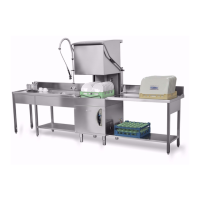
To temporarly pause the cycle, simply open the
hood of the dishwasher.Closing it, the cycle will
start again at exactly the point were it was
interrupted.
It is possible at any time to stop the wash cycle by
simply pressing the button again cycle “B”
.
When you restart the cycle, this will restart from
the beginning.
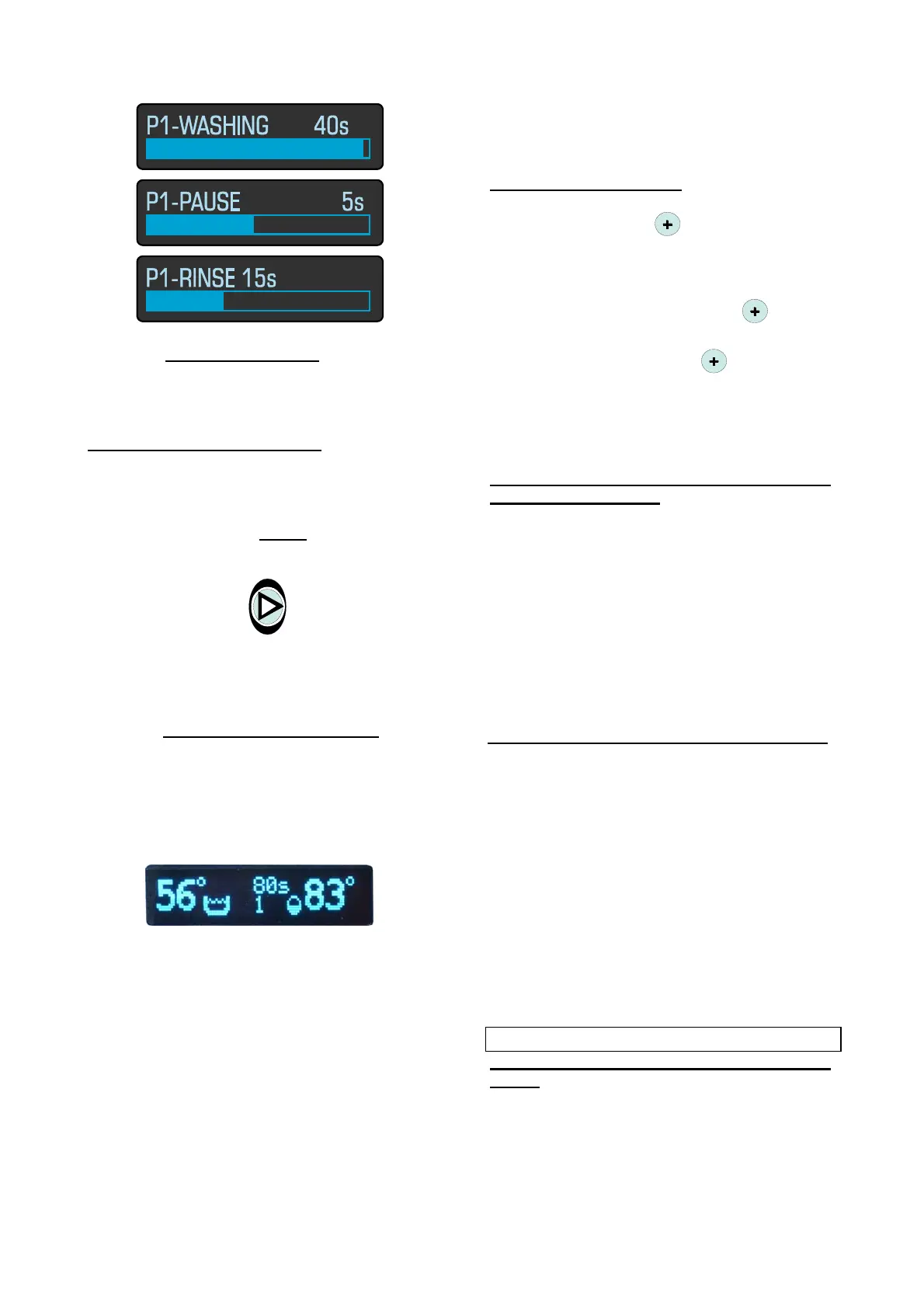
7 - At the end of the wash cycle , the
message “END WASH” will appear followed by a
short beep.
The LED turns off and the B button appear the
temperature data and the data number and
duration of the cycle.
Open the door of your dishwasher.
Remove the basket and tilting it, shake it lightly to
bring down the remaing drops. Allow to dry the
dishes by evaporation, then remove them from
the basket, taking care not to touch the inside
edge of the same.
Then put them on hygienic shelves.
To continue the wash load another basket and
close the door. The cycle will restart
automatically.
If you want to change the wash cycle, before
closing the door, you will need to select the new
cycle by pressing the time selection “D”.
Temperature data display: to view temperature
data during the wash cycle, it is necessary to
press the push-button
. You will see the
temperature data for 3”.
If you want to fix the values of temperature for
the whole duration of the selected cycle, it is
necessary to press the button
for 3”.
To re-display the data of the wash cycle, it is
necessary to press the switch
.
Attention! At the next cycle the temperature data
will not be displayed automatically, but the data
will appear in the wash cycle.
Levels state visualization for dishwashers
with Break Tank / SRS:
During the tank feeding and the rinsing the state
of the water levels in the break tank is displayed.
Symbol “H” indicates the high level, instead
symbol “L” indicates the low level.
N.B. the graphic display changes automatically
every 10 minutes the configuration of the
visualization from bright screen to dark screen
and vice versa. This system allows to protect the
life of the display in the time.
ACHIEVEMENTS
Any deficiency in the washing process is
obvious when dirty residuals are visible. Any
halos might be caused by an insufficient rinsing:
in this case, check that the rinsing jets are clean
and that there is a sufficient pressure in the
water distribution network.
In case you find residuals, check that:
• the washing jets are clean
• there is some detergent
• the pump suction filter is clean
• objects in the rack are placed in a correct
position.
STAND BY-ECONOMY
(only available on a machine with automatic
start!):
The stand-by function allows you to keep the
machine closed at rest, keeping active heating
functions.


 To Next Page