If you have any questions please email to support09@laresar.us
14
EN
If you have any questions please email to support09@laresar.us
15
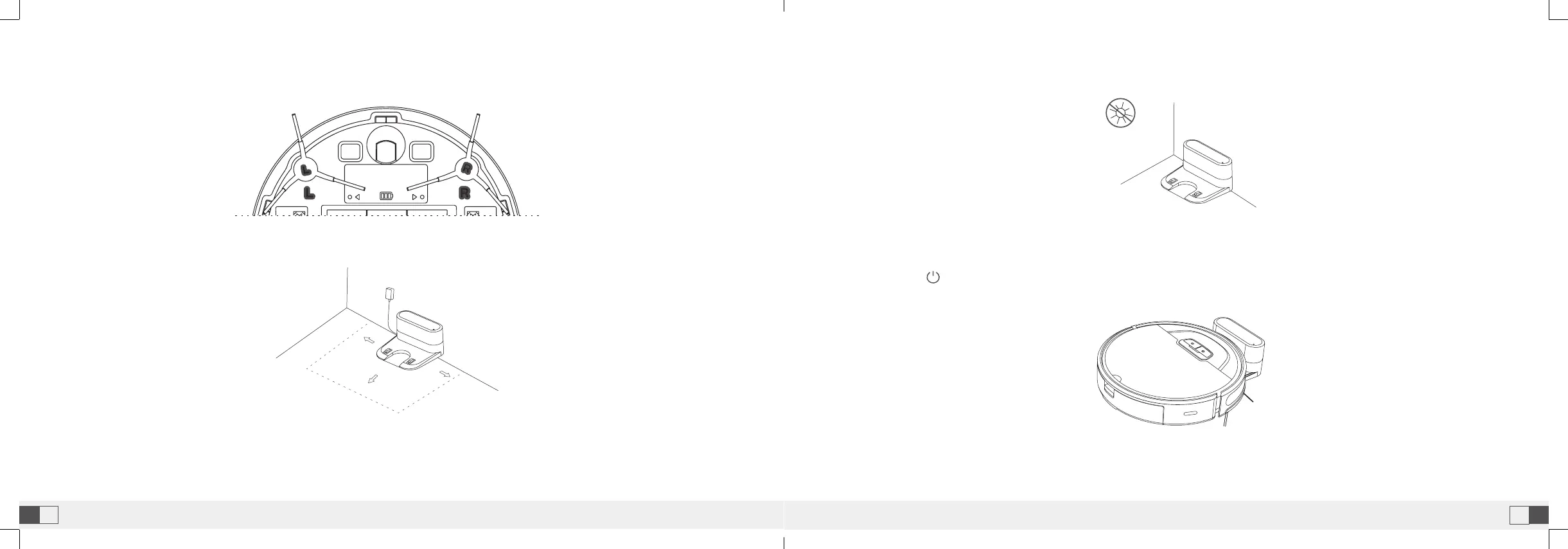
3.Take out and place the dust collection charging base on a flat floor against the wall and tidy up the redundant wires.
4.Ensure space more than 0.5m from the left and right to the charging base and 1.5m in front of the charging base.
5.Do not move the charging base at will, avoid direct sunlight on the charing base.
6.Power on and charging
• Hold the button to power on the machine. When the indicator is on, put the robot against the charging dock for
charging. The voice of “start charging” prompts successful charging.
Note:
• Ensure a space more than 0.5 m from the left and right of the charging dock and 1.5 m in front of the charging dock.
• The power line perpendicular to the ground may be dragged by the robot, resulting in the dock power-off.
• The charging indicator is kept on when electrified.
Note:
• The machine cannot power on in case of insuffcient battery. Please place the robot on the dock to allow automatic
power on.
Note:
• Sunlight may interfere signals of return-for-charging, and then the robot fails to return back to the charging dock.



 To Next Page