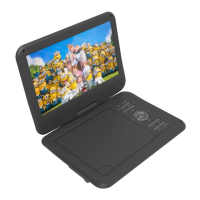
QUICK USER GUIDE DVD-HD011
SUGGESTED CONNECTIONS
CONNECTING THE HDMI CABLE TO A HOME THEATRE SYSTEM
1. Plug the first HDMI cable into
the
HDMI OUTPUT
on
the player and into
the HDMI input on the
Home
Theatre System.
2. Plug the second HDMI cable into
the
HDMI OUTPUT
on
the Home
Theatre System and into the HDMI
input on the
t
elevision.
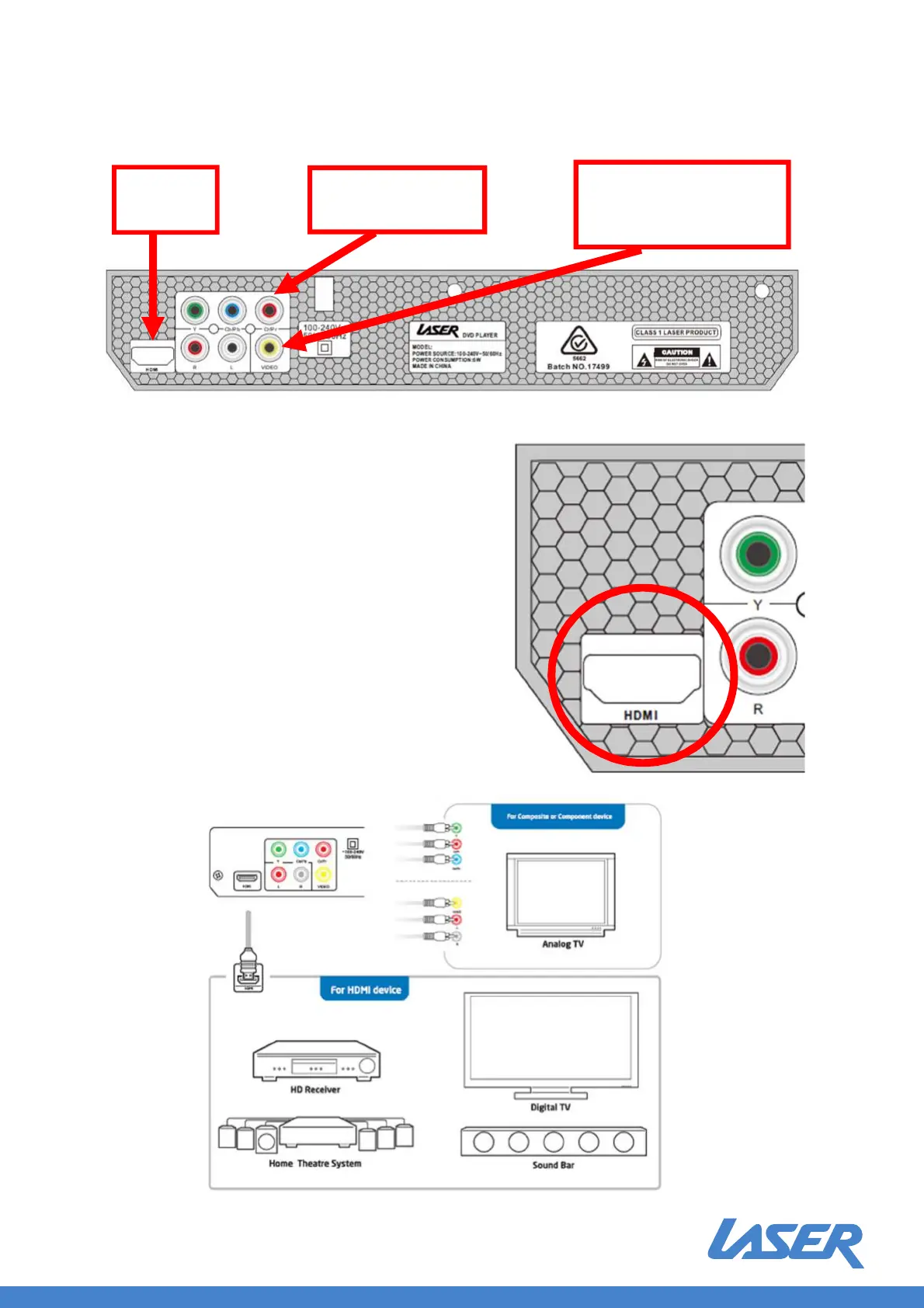
OTHER CONNECTION EXAMPLES
HDMI
(EASIEST)
COMPOSITE
Red, White, Yellow RCA
(EASY)
COMPONENT
(EASY)
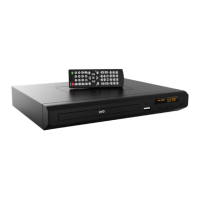
DVD-HD012
Instruction Manual
DVD-HD012


 To Next Page