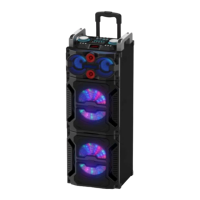
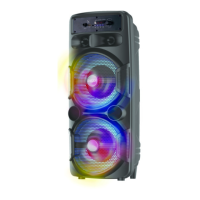
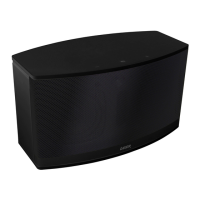
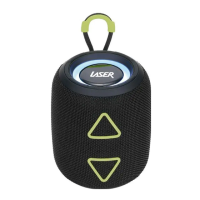
SPK-BT520
2
BUTTONS AND CONNECTIONS
1 Mode
Toggle between Bluetooth and FM
Radio Mode (and Micro SD Card, USB
and Auxiliary when connected)
2
decrease Volume
or radio station
3
Volume
track or radio station
4
/ Hold 3 Secs to Reject Call
Play and pause music playback or
answer or reject phone calls
5 LED Indicator (inside speaker)
Displays charging and Bluetooth
status
Playback music files from storage
Playback music files from storage
9
supplied cable)
Charge you speaker via this port
Blue LED light flash slowly
Phone call received (during music playback)



 To Next Page