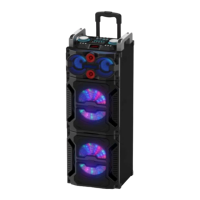
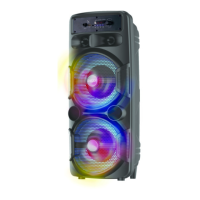
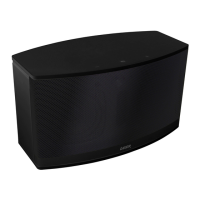
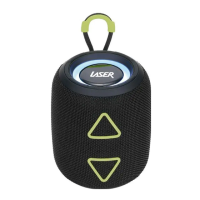
SPK-BT520
3
CHARGING THE BATTERY
Before using, fully charge the battery using the supplied USB cable. Plug in to
any USB port supplying power (Computer, AC Charger, Car Charger, etc.)
A solid red LED indicates that the speaker is charging, the battery is fully
charged after about 2-3hrs.
POWER ON/OFF
Move the power switch to the “on” or “off” side to power on /off the device.
Note: Modes other than Bluetooth and FM radio will only be available
if there is an Audio storage device connected to the speaker.
BLUETOOTH® PAIRING
- Turn the speaker ON. By default the first mode will be Bluetooth mode and the
indicator light will be flashing.
- Enable the Bluetooth function on your mobile device and search for
the Bluetooth speaker. (SPK-BT520)
- Pair and connect to the speaker.
Note: If prompted, enter the pairing code 0000.
FM RADIO MODE
Note: Please plug the Micro USB Cable into your speaker, as this will act as
the antenna in FM Radio MODE.
- Press the PLAY/PAUSE button to automatically search and save all available
radio stations. The blue indicator will flash while searching.
- When finished, press PREVIOUS or NEXT button to select previous or next
station.
OTHER MODES
- Press the MODE button to toggle between the audio sources, when
connected. (Bluetooth / Micro SD Card / USB / FM Radio / AUX.)
- Connect external audio devices and storage to the provided inputs. Playback
will start straight away.
Note: Modes other than Bluetooth and FM radio will only be available
if there is an Audio storage device connected to the speaker.



 To Next Page