12
MIN/MAX / HOLD
7
8
1.
2.
3.
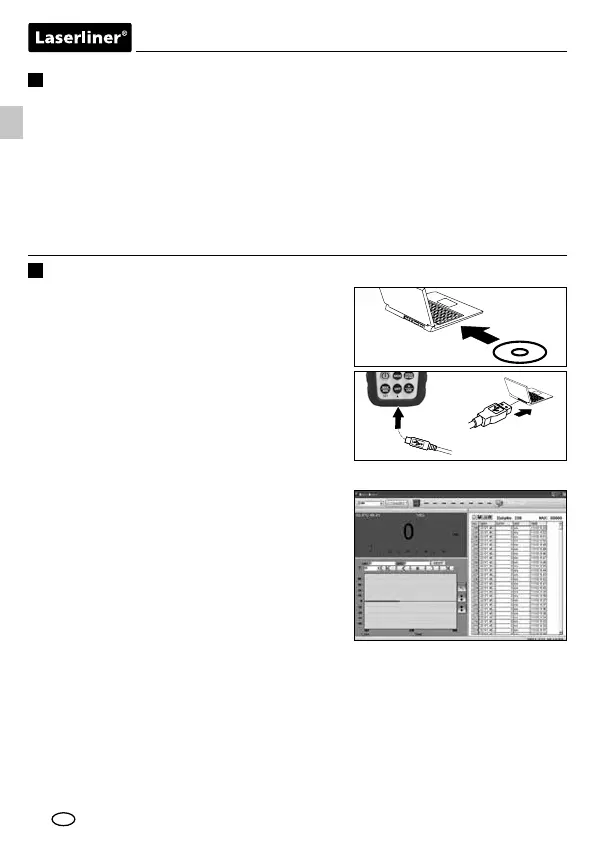
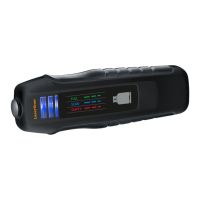
Measured values can be transferred to a PC in
realtime via the integrated USB interface. The
values can then be stored and documented
using the supplied software. First install the
software and the corresponding drivers
from the CD to the terminal unit. Follow the
instructions for the installation routine. Once
you have successfully installed the software,
connect the measuring instrument to the PC
and set up a USB connection.
Start the software and activate the USB
function by pressing and holding the
„USB“ button. The software now shows
the measured values both in numerical
as well as in graphic form.
For further information on how to use
the software, refer to the Help function
that contains a detailed description of
the functions.
USB transfer
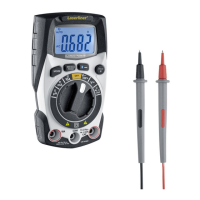
The MAX function is activated by pressing the „MAX/MIN“ button. The
measured value currently displayed corresponds to the largest measured
value. Press the „MAX/MIN“ button again to activate the MIN function
and show the smallest measured value. To deactivate „MAX/MIN“, press
the button again until the value is no longer shown on the display.
Press the „HOLD“ button to hold the current measured value on the display.
Press the button again to deactivate this function.
GB





 To Next Page