Vertical use of the AQua-Master
• Set the device to "Lock".
• For vertical use, insert the adjustable foot in the appropriate socket.
• Position the vertical/wall mount.
• The vertical vial (B) can now be accurately adjusted by turning the
adjustable foot.
• Switch on the device , and the rotor head will start rotating at low
speed.
AQua-Master
ENGLISH
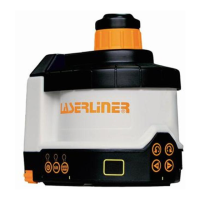
Horizontal use of the AQua-Master
• Position the device on a level surface or on a tripod.
• Turn the transport securing device (F) to "Unlock" in the direction
shown by the arrow. This will release the holder that secures the
pendulum to prevent damage during transport.
• Press the "On/Off" switch.
• The device will automatically level itself within a range of + 3.5°; the
rotor head will begin rotating at low speed and the red LEDs (K, L) will
show a continuous light.
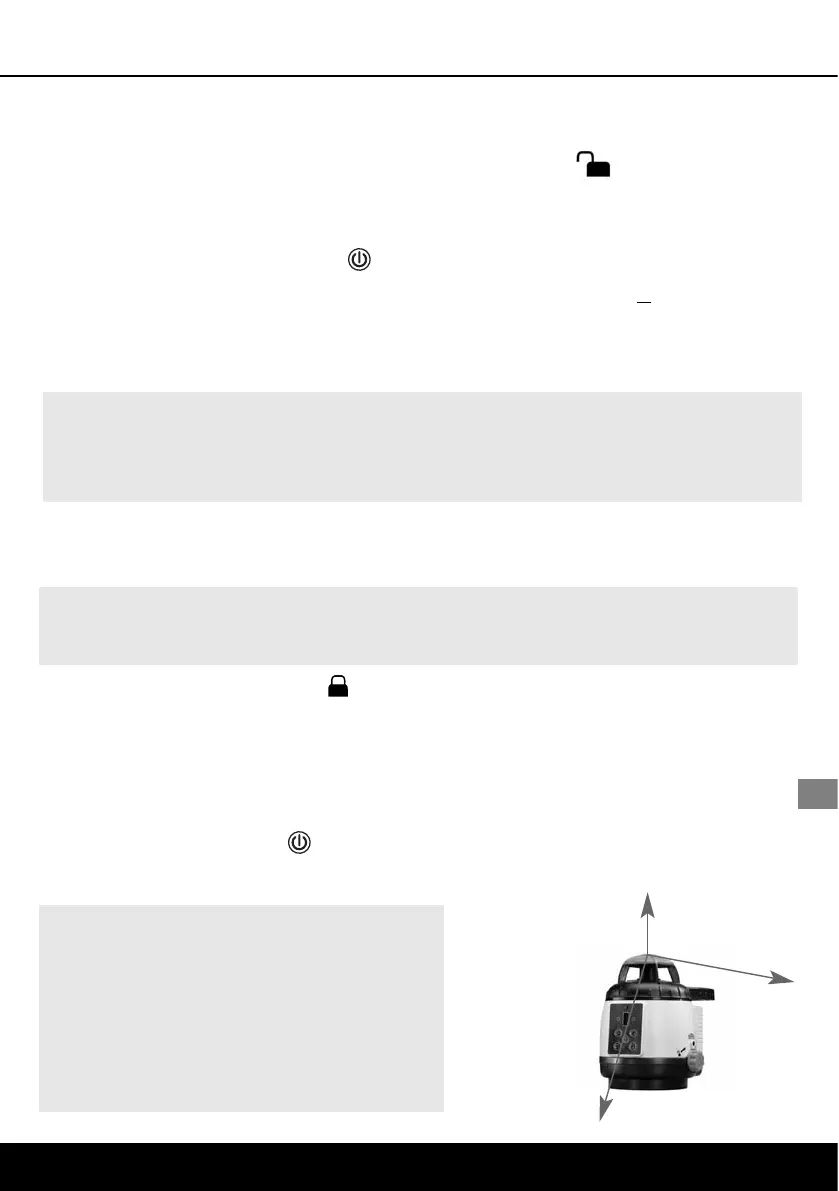
Z
X
Y
X- / Y- / Z-
axis
Note: Regularly check the calibration
before use, after transport and after
extended periods of storage. Always
make sure to control all 3 axes. See
also "General safety information" on
page 13.
Note:
In vertical use, the AQua-Master does not automatically adjust itself.
Note: If the device is too far off the horizontal (more than 3.5°), a warning
signal will sound and the rotor head will stop. In this case, the device must
be repositioned on a more level surface.
17






 To Next Page