LaserPoint s.r.l. - Plus 2 - Quick Start Guide - All Rights Reserved 4
2.5.
C
HOOSING MANUAL OR AUTOMATIC RANGING IN POWER MEASUREMENT
:
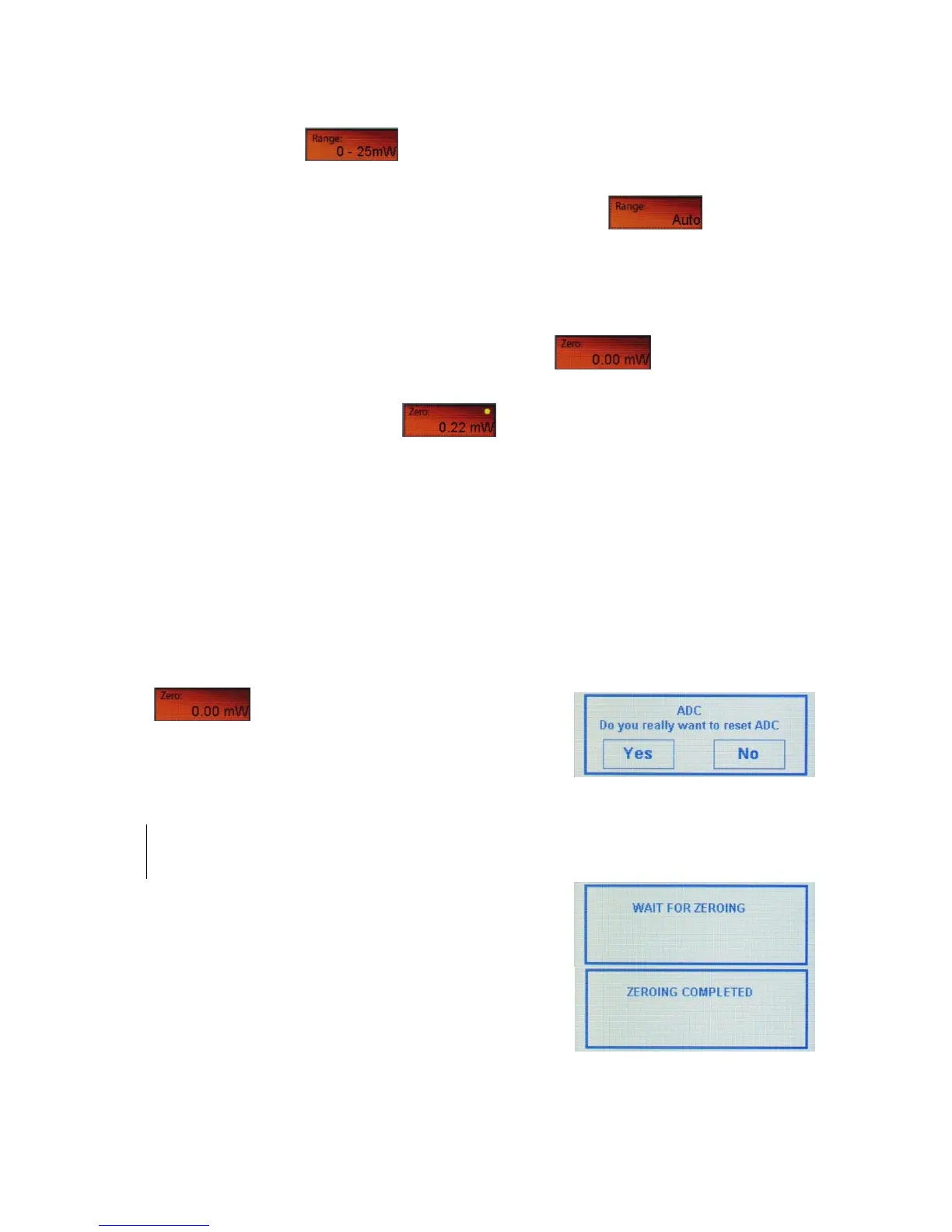
Touch the Range button on the screen of the Plus 2 to scroll the different ranging
option.
Select the appropriate range manually, or choose the “Auto” mode to let the Plus 2
manage the range automatically.
2.6.
O
FFSETTING CURRENT READING
:
You can activate the offset by touching the “Zero” button on the main screen of
the Plus 2.
When "offset" is activated, the button shows a yellow led and the offset value with
its unit of measure.
To cancel the offset, press "offset" again.
2.7.
Z
ERO
A
DJUSTMENTS
In the Plus 2, all adjustments, including ADC zeroing, are done by the software. It is
recommended to re-zero the Plus 2 each time the measuring head is changed.
a) Press for more than 3 seconds the Zero button
on the screen of the Plus 2.
b) After 3 seconds, the confirmation pop-up message
(Figure 5) will be displayed.
Note:
While zeroing make sure that the instrument is not affected by
electrical noise and the sensor is undisturbed.
c) Press “Yes” and wait few seconds while the “Wait
for zeroing” and “Zeroing Completed” messages are
displayed (Figure 6).


 To Next Page