15
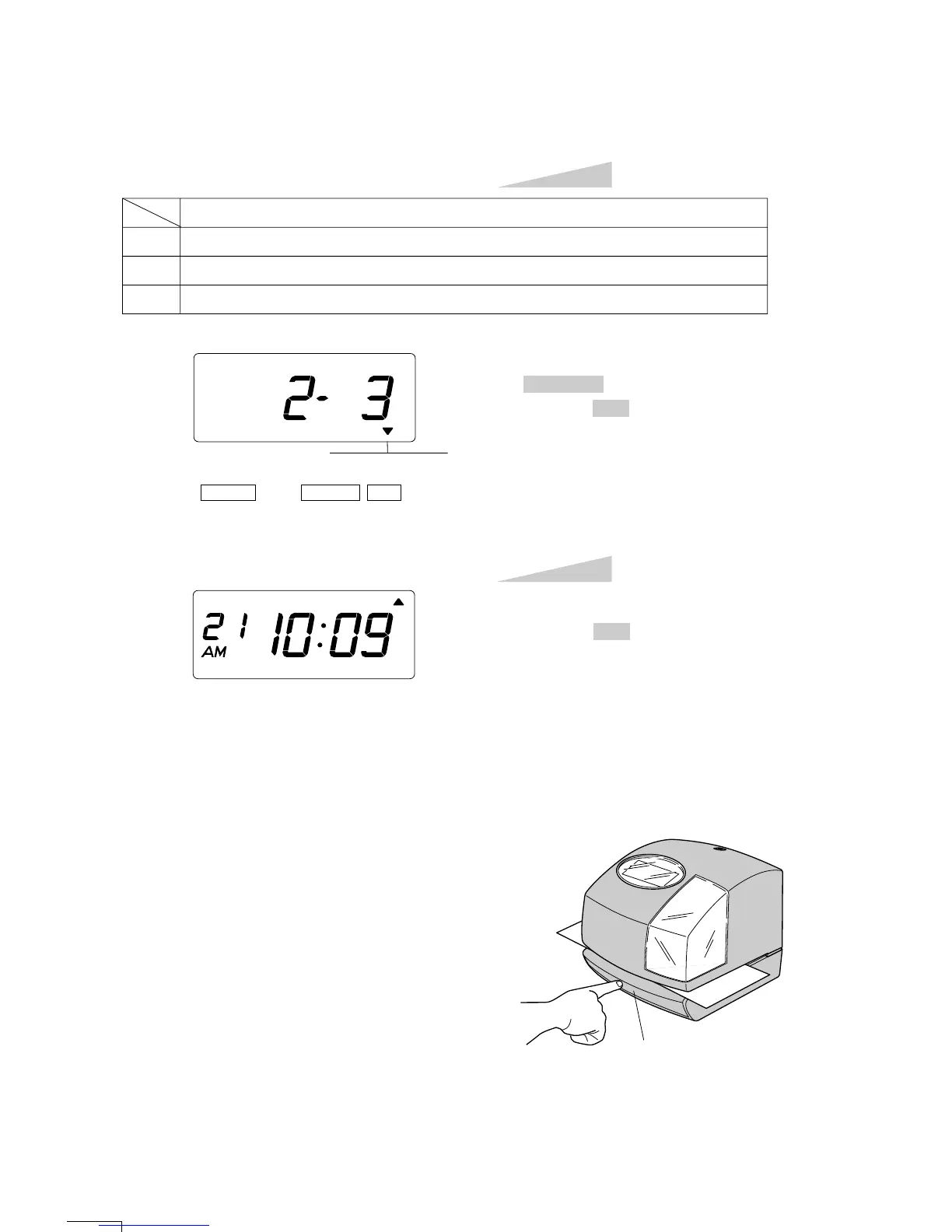
In case of the example, press the
CHANGE button to set at "3". And then
press the SET button.
Step 2
TU WE TH FR SA SUMO
After you finish setting the print method,
press the SET button once again.
Now the print method setting has been
completed. Replace the cover and lock.
IMPORTANT: If you do not complete
Step 3, the clock will not print.
Step 3
PRINT DIRECTION
PRINT ACTIVATION
SELECT CHANGE
SET
1.
2.
3.
Order Options
Automatic
Semi-automatic
Manual
Change the "Print Activation".
Automatic will allow the clock to print by
simply inserting a card or sheet of paper.
Semi-automatic will allow the clock to print by
pressing the push bar only when a card or piece
of paper is inserted.
Manual will allow the clock to print by pressing
the push bar.
Push bar



 To Next Page