26
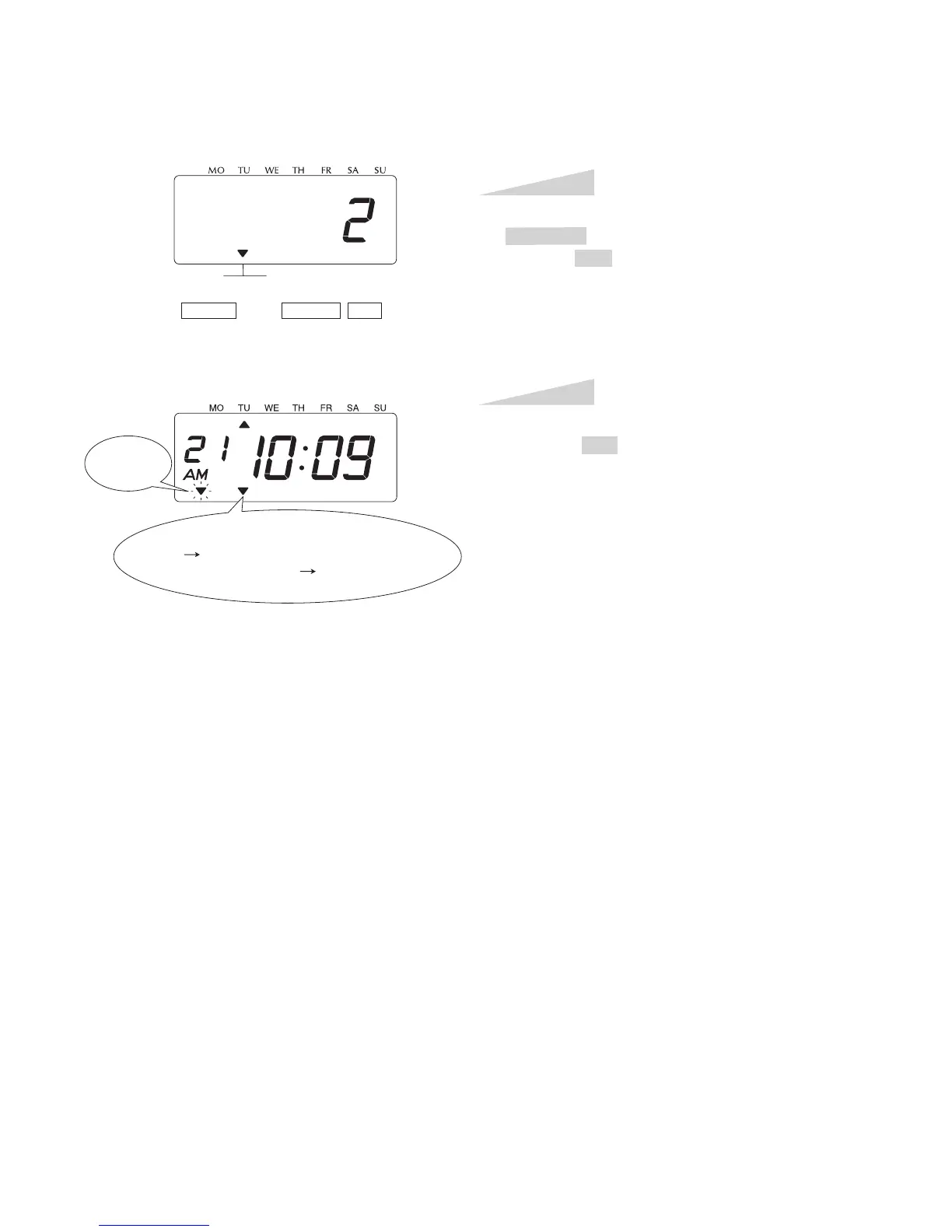
In case of the example, press the
CHANGE button to set at "2", and then
press the SET button.
Step 2
After you finish setting the time zone,
press the SET button once again. Now
the time zone setting has been completed.
Replace the cover and lock.
IMPORTANT: If you do not complete
Step 3, the clock will not print and start
reception of radio signal.
Step 3
TIME
ZONE
SELECT CHANGE
SET
Reception
Indication
Signal Condition Indication
ON Good
FLASHING or OFF Not good enough



 To Next Page