SOS
1 2 3 4 5 66
call
sequence
repeats
once
ACTIVATING YOUR ALARM
1 - WHEN YOU NEED HELP
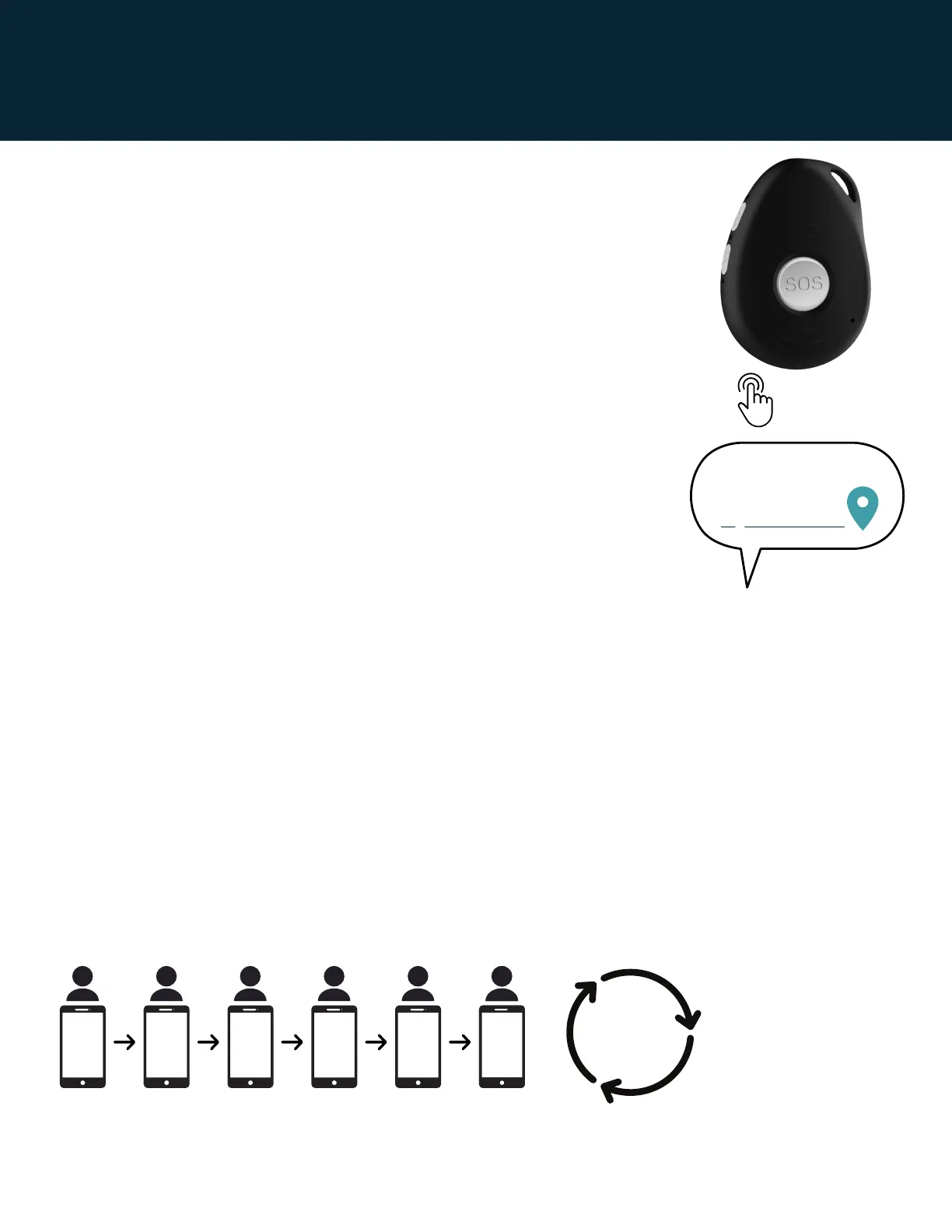
Press the SOS/Help button down for 3 second until you feel a
vibration. The device will vibrate and then announce “Your mobile
alarm has been activated. Click the SOS button to cancel” before it
starts the sequence of help text messages along with the outgoing
help calls. The alarm will announce this message three times before
beginning the call sequence (15 seconds).
To cancel the call sequence just click the SOS button.
2 - HELP MESSAGES SENT
The device will send a help text message to all of your mobile
emergency contacts. Mobile numbers will receive the text
messages with the location of the wearer on Google Maps.
When a contact answers and doesn't want the call sequence to
continue they can Press 1 on their phone to stop the call sequence.
3 - HELP CALL SEQUENCE BEGINS
The device will then begin to call your emergency contacts in your chosen order,
ringing for 10 seconds per contact before trying the next contact. You will hear each
outgoing ring tone. It will also announce which contact it is calling. Remember some
contacts may have their phones turned off be out of range, have dead batteries or
they may not be able to hear their phones.
Between each call, your alarm will announce that it is about to call the next contact.
You can cancel the call sequence by “clicking” the SOS button.
The first person to answer is the person who can talk to you.
The wearer listens and speaks through the pendant.
Keep conversations less than 3 minutes.
By default, the call sequence loops and tries every contact twice.
Mom's device.
Help me!
My location...
Page 5 | Latitude USA | 2021
To cancel call sequence completely, click the SOS button twice.


 To Next Page