6 Commissioning
6.1 Contact assignment
If you have assembled the cables yourself, please note the following:
Statutory EMC requirements also apply to the cable connec-
tions. Use only shielded connection lines with shielded plugs/
sockets.
Reliably isolate all equipment connected to the extra-low
voltage inputs and outputs according to DIN EN 61140
to safeguard against dangerous contact voltages. For
example, use double or reinforced insulation according to
DIN EN 60730-1 or DIN 60950-1.
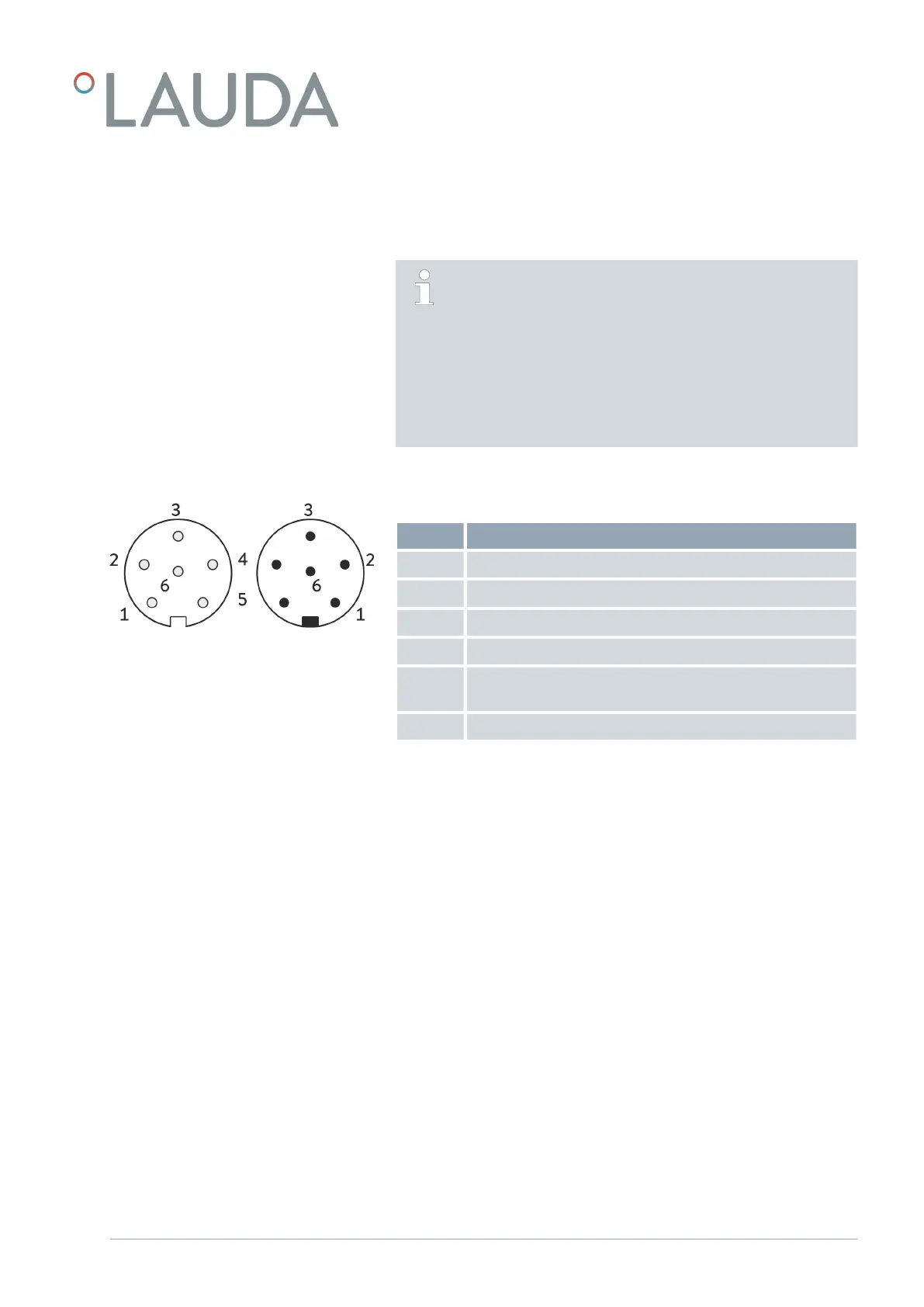
The analog interface is designed as a 6‑pin circular connector with screw
plug.
Table 1: Analog interface contact assignment
Contact Function
1 Output 1
2 Output 2
3 0 V reference potential
4 Input 1
5 +20 V distribution voltage for external sensor with electronic
evaluation unit
6 Input 2
Visit the following link for information on applied resistances Ä Chapter 13
“Technical data” on page 27.
6.2 Software update
Older software installed on constant temperature equipment may have to be
updated for the new interface to work.
1. Switch on the constant temperature equipment after installing the
new interface.
2. Check whether a software warning appears on the display:
Warning SW too old : Please contact LAUDA Service, see
Ä Chapter 1.6 “Contact LAUDA” on page 5.
No software warning: Operate the constant temperature equip-
ment as normal.
Fig. 8: Socket / plug contacts
V1 Interface module LRZ 912 13 / 28



 To Next Page