EasyManua.ls Logo

Lauda ULTRACOOL UC 24 - User Manual

Default Icon
34 pages
Print Icon
To Next Page IconTo Next Page
Loading...
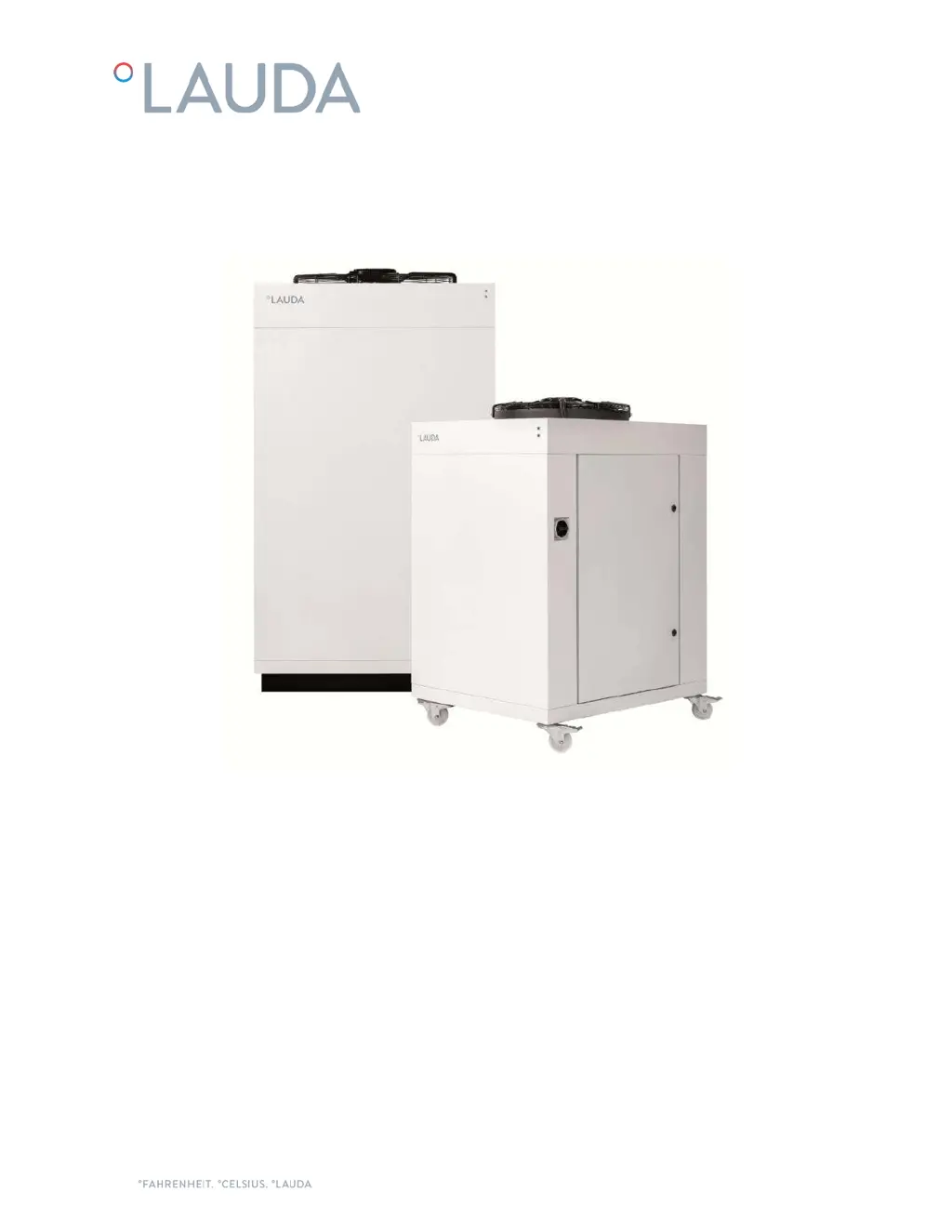
ULTRACOOL
UC 8, UC 14, UC 24, UC 50, UC 65
DMI-0217-07
27/02/2020

Questions and Answers

  • K
    kimberly81Aug 7, 2025
    What to do if my Lauda ULTRACOOL UC 24 Chiller shows an HP alarm due to a pressure switch?
    • C
      Cynthia CooperAug 7, 2025
      If your Lauda Chiller displays an HP alarm related to the pressure switch, several factors could be the cause. First, ensure that the lateral panels of the housing are closed. Next, check for adequate airflow into the condenser, ensuring there is enough free space and cleaning the condenser if it's dirty. If the ambient temperature is too high, wait for it to decrease. Should the motor fan not be working (not turning when the chiller is running), or if you suspect a high-pressure switch failure, contact authorized technical service.
  • L
    logan89Aug 21, 2025
    What to do if my Lauda ULTRACOOL UC 24 Chiller displays an alarm for freezing evaporating temperature?
    • F
      fthompsonAug 21, 2025
      If your Lauda Chiller is showing an alarm related to the freezing evaporating temperature, it could be due to a few reasons. Start by checking the water circuit for any blockages and clean it. Replace the water filter element if needed. Also, check for any closed valves in the circuit, as this could cause freezing due to low ambient temperature. If the water tank temperature sensor is faulty, contact authorized technical service.

Summary

Warnings

1 Introduction

1.2 Safety Regulations

Operator must observe national and internal regulations; specific safety measures for maintenance.

2 Installation

2.5 Water Connection

Guidelines for water pipe connection, pressure drop, and insulation.

2.6 Electrical Connection

Specifications for operating voltage, RCD usage, and cable connections.

3 Startup

3.2 Chiller Startup

Steps for starting the chiller, including cleaning, filling, and initial power-up.

4 Chiller Controls

5 Maintenance

5.1 Basic Maintenance

Weekly, monthly, and yearly maintenance tasks for the chiller.

6 Troubleshooting

6.1 Saving a Log File in Case of Alarm

Procedure to save log files for diagnosing alarms and troubleshooting.

6.2 Alarms and Warnings List

Lists common faults, their causes, solutions, and restart procedures.

7 Technical Features

Lauda ULTRACOOL UC 24 Specifications

General IconGeneral
BrandLauda
ModelULTRACOOL UC 24
CategoryChiller
LanguageEnglish

Related product manuals