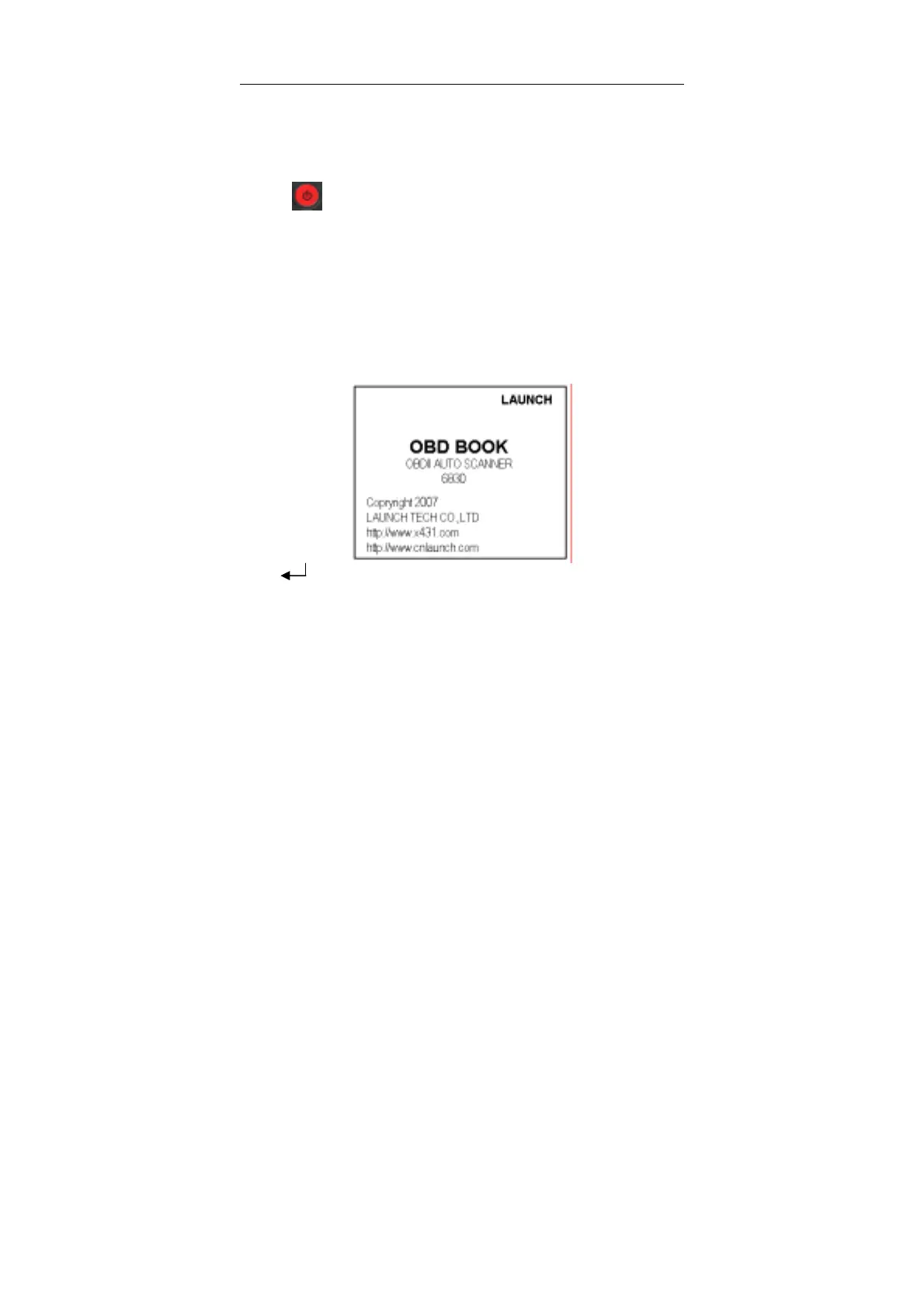
LAUNCH OBD BOOK OBDII Auto Scanner
13
Power-on
There are three ways to turn the unit ON:
1. Press
at least two seconds to turn the unit ON (For equipped with battery
and no connection with vehicle socket or PC). On the
condition, the unit will display
interface without backlight.
2. When the unit connects with vehicle socket, the unit will be ON. It will display the
startup interface with backlight.
3. When the unit connects with PC via USB cable, the unit will be ON. It will display
the startup interface with backlight.
Diagnosis
When the unit is powered up, the upper screen will display the interface as below:
Press [ ], the upper screen will display I/M Readiness Test item and Trouble
Codes item automatically:



 To Next Page