LAUNCH OBD BOOK OBDII Auto Scanner
15
5. Send Data to PC
6. Tool Setup
Diagnostic Codes
You can press [↑] [↓] key to scroll the screen to select the desired option function from
menu.
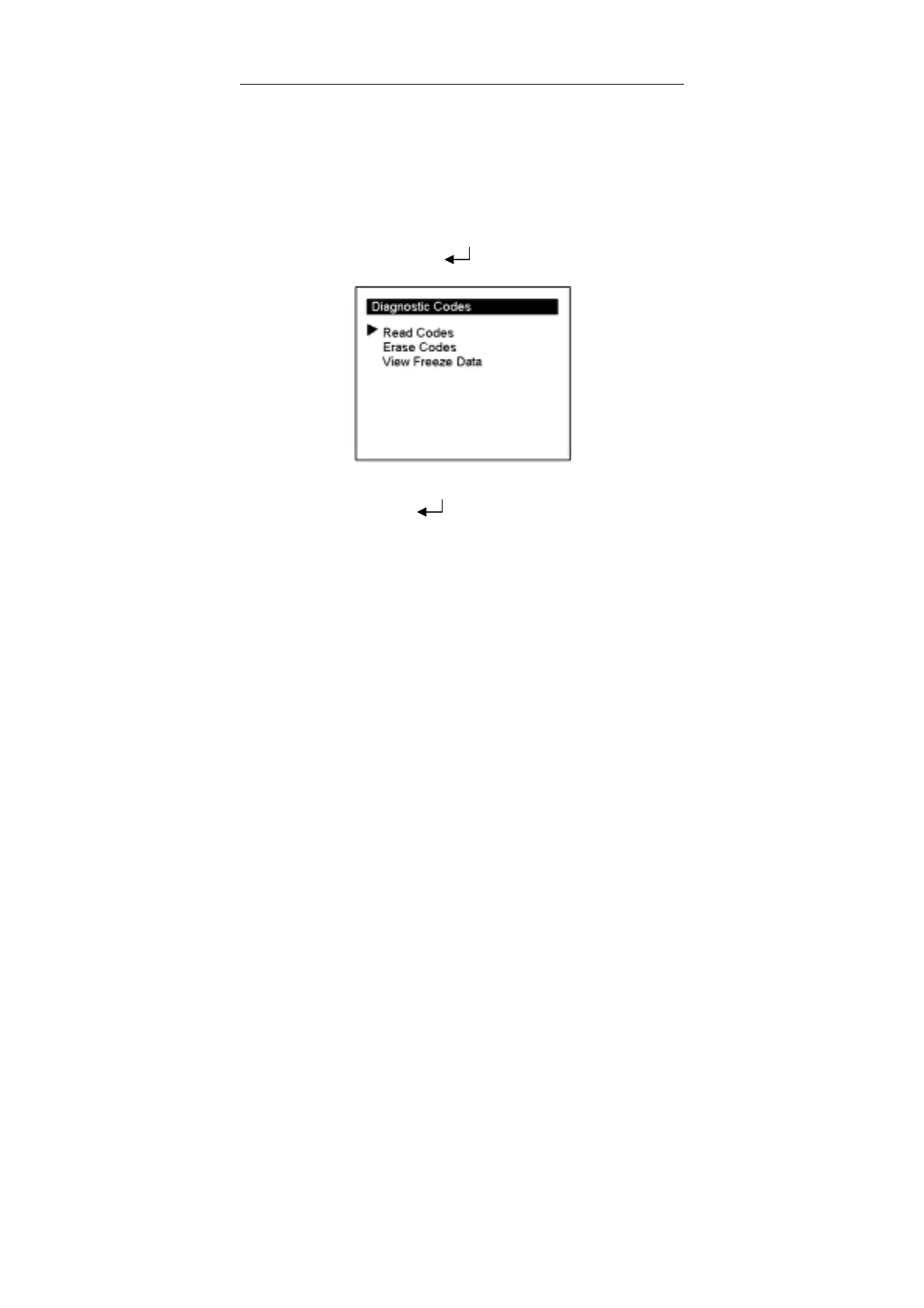
Select [Diagnostic Codes] and press [ ] and the lower screen will display the
interface as shown below:
Use [↑] [↓] key to move the cursor (>) and select the desired function item.
Select [Read Codes] and press [ ]. If some codes exist, the lower screen will
display the codes as shown below:



 To Next Page