LAUNCH OBD BOOK OBDII Auto Scanner
24
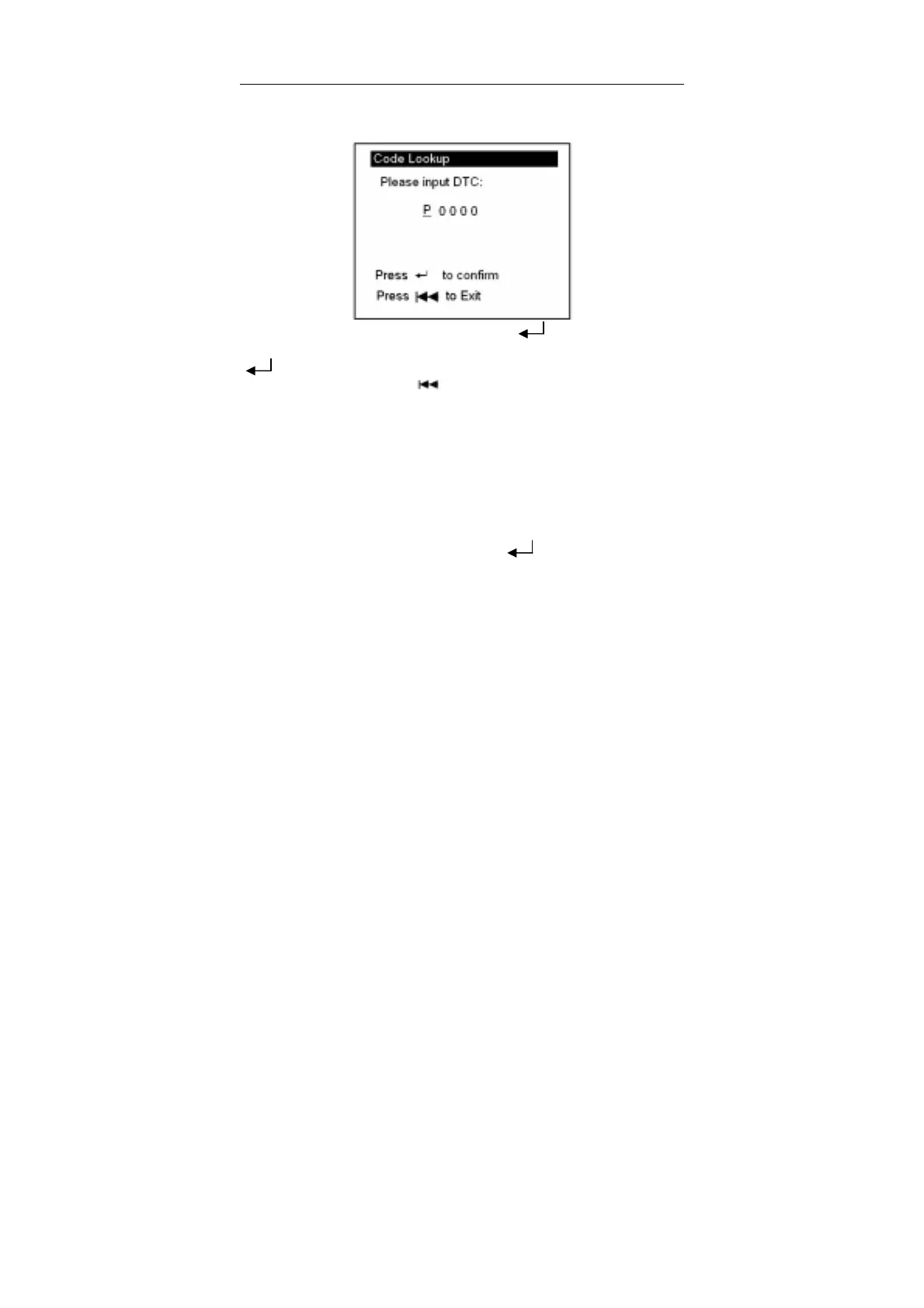
display the interface as shown below:
You can use [↑] [↓] key to change P letter. And press [ ] move the cursor to right.
And then press [↑] [↓] key to input number. After you input the code number, press
[ ] to view the definition of the code.
After viewing the definition, press [
] to return the Main Menu.
Send Data to PC
OBD Book provides Send Data to PC function. OBD Book can send the retrieved data
to a client software on PC via BUS cable.
Tool Setup
Select [Tool Setup] in the Main Menu and press [ ] and the lower screen will
display the interface as shown below:



 To Next Page