LAUNCH OBD BOOK OBDII Auto Scanner
16
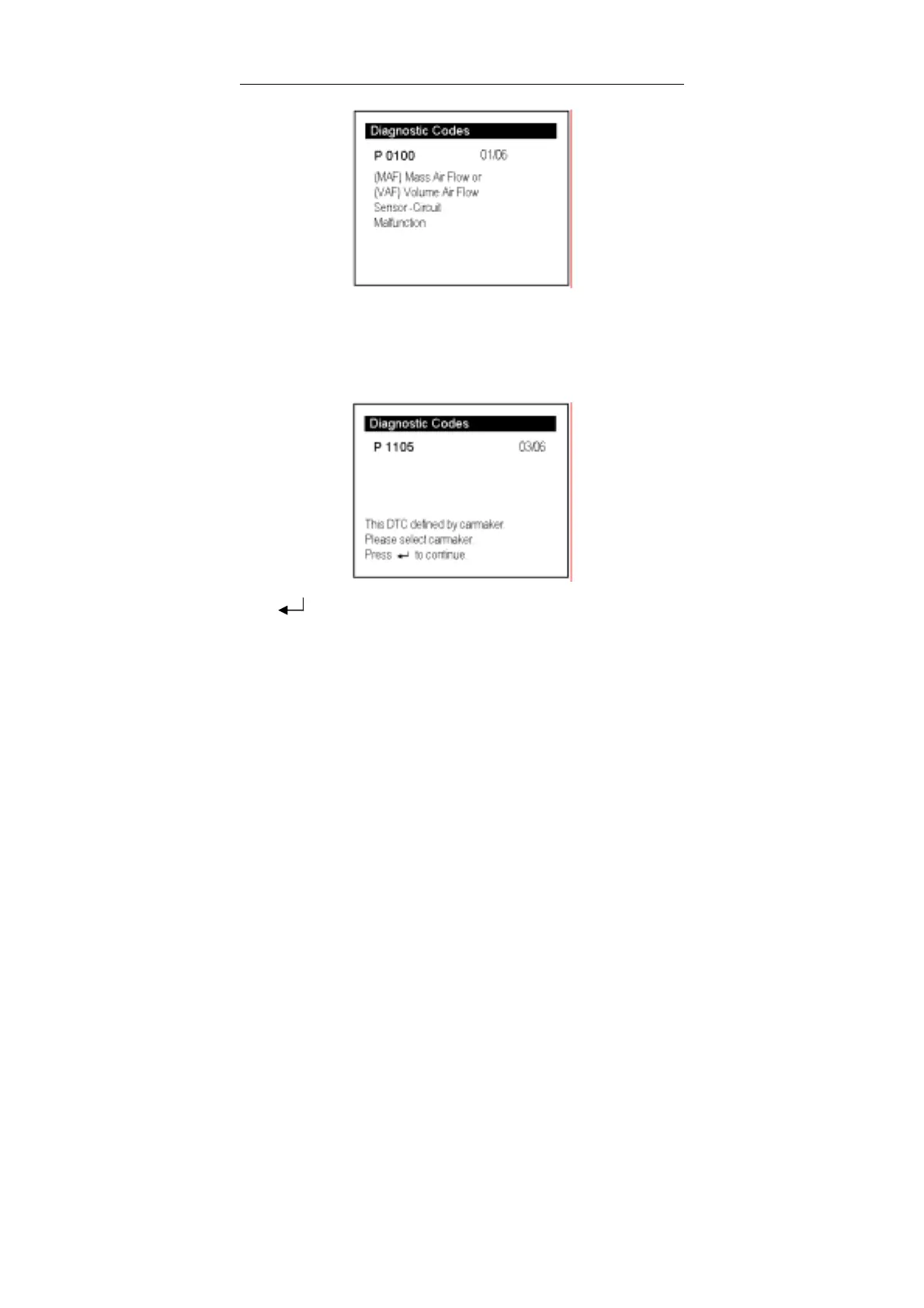
01/06 indicates that there are 6 codes totally, and now P0100 is the first code to
display.
The screen will also show the content of the code below the number of code.
You can use [↓] key to view the next code. When there is a manufacturer defined code,
it will display as below:
Press [ ] to enter the next interface as shown below:



 To Next Page