LAUNCH OBD BOOK OBDII Auto Scanner
17
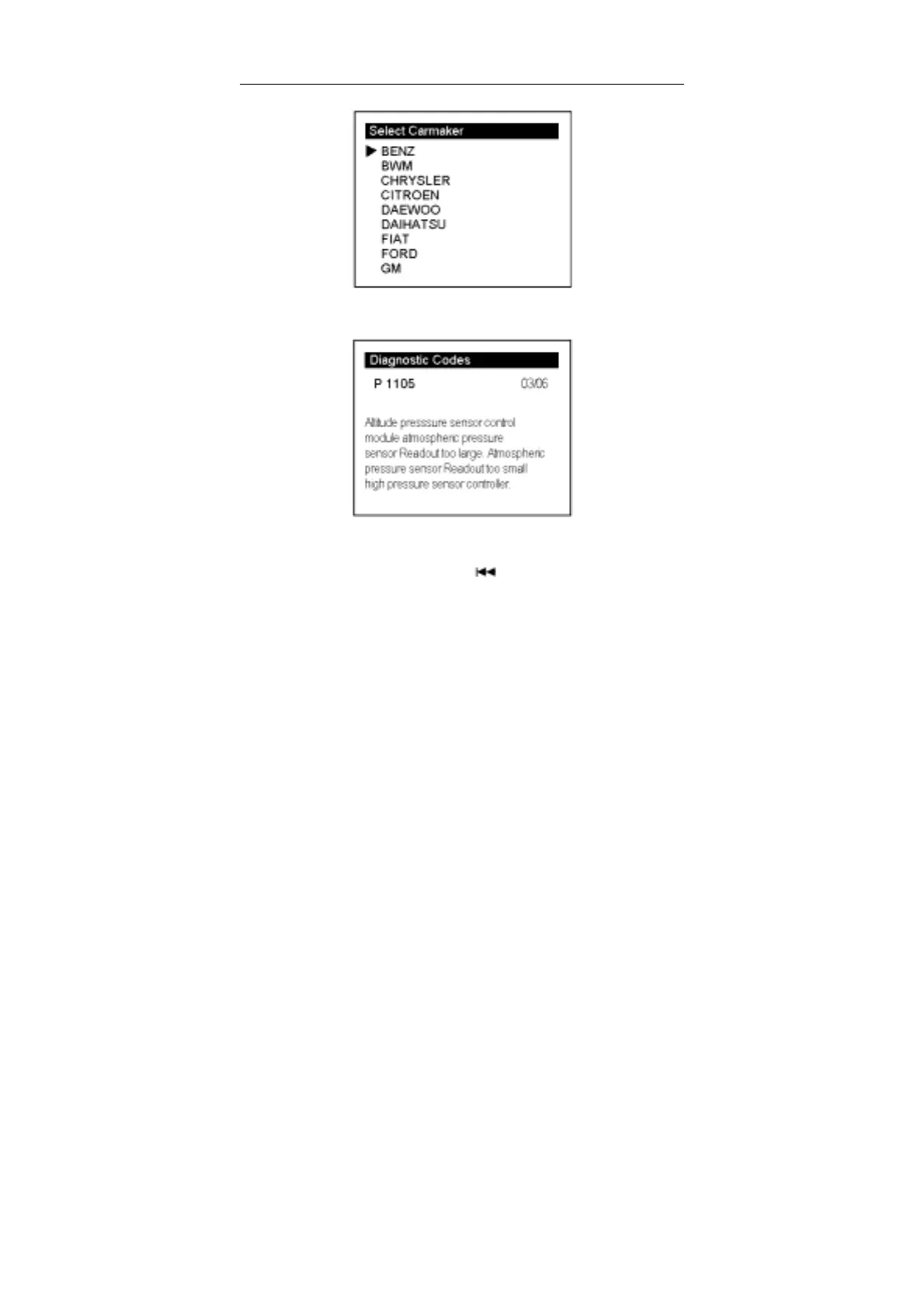
Now you can use [↑] [↓] key to move the cursor (>) to select the carmaker to which the
code belong. We choose [BENZ] to view the define:
After viewing the manufacturer defined codes, you can press [↓] key to view the next
codes.
After viewing all the codes, you can press [
] to return to the Diagnostic Codes
Menu.
Select [Erase Codes], the lower screen will display the interface as shown below:



 To Next Page