LAUNCH OBD BOOK OBDII Auto Scanner
22
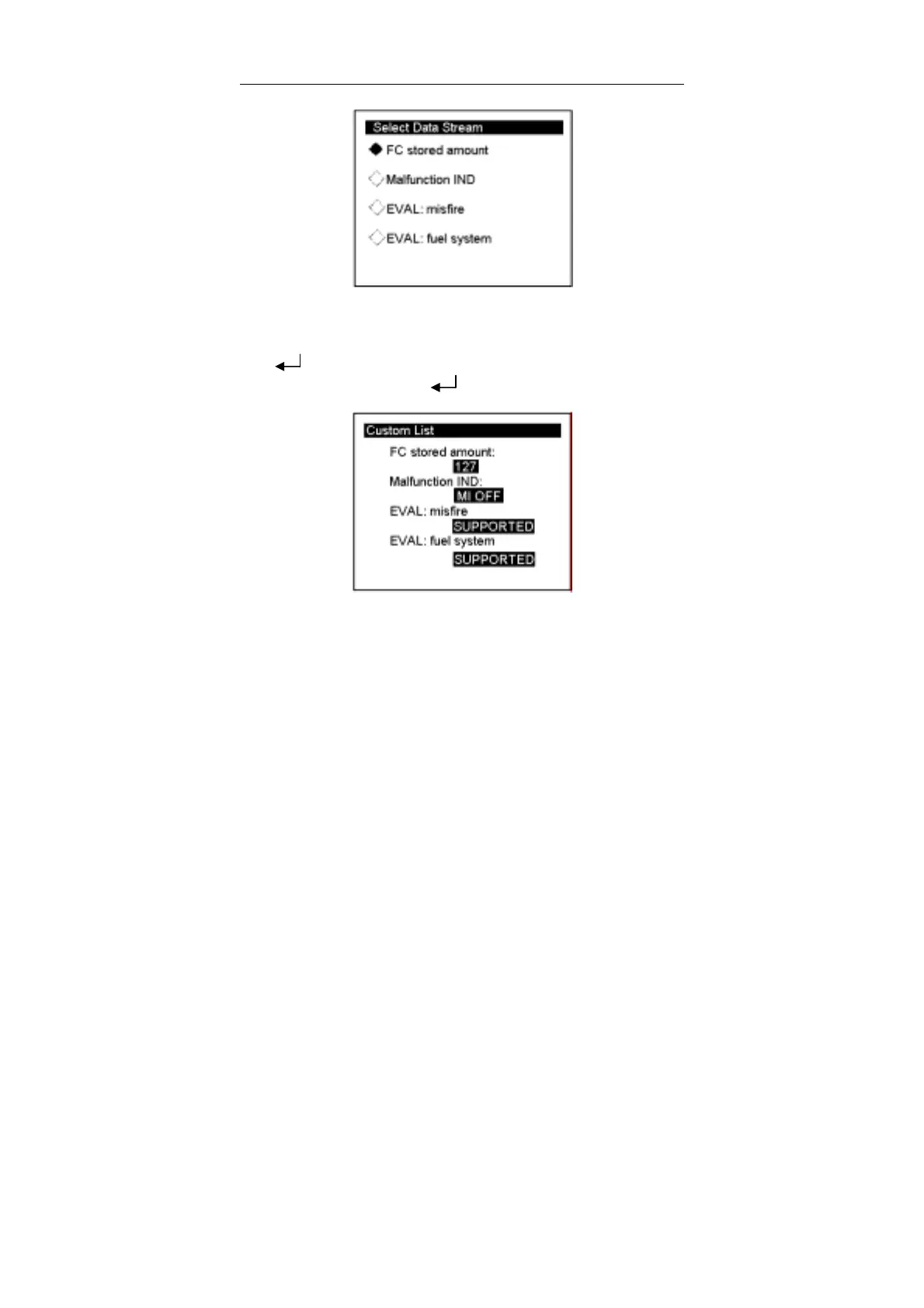
If there is a mark in front of the item, it indicates that the item is selected. For example,
all the four items has marks before them as shown figure above, so the four items are
selected.
Press[ ] to return the TIP Menu. You can use [↓] key to move the cursor (>) down
to select [Start To Test], and press [ ] to enter the next interface, the screen will
show the items selected by customers.
You can use [↑] [↓] key to move the cursor (>) for viewing.



 To Next Page