X-431 HTT Professional Automotive Diagnosis Handset
23
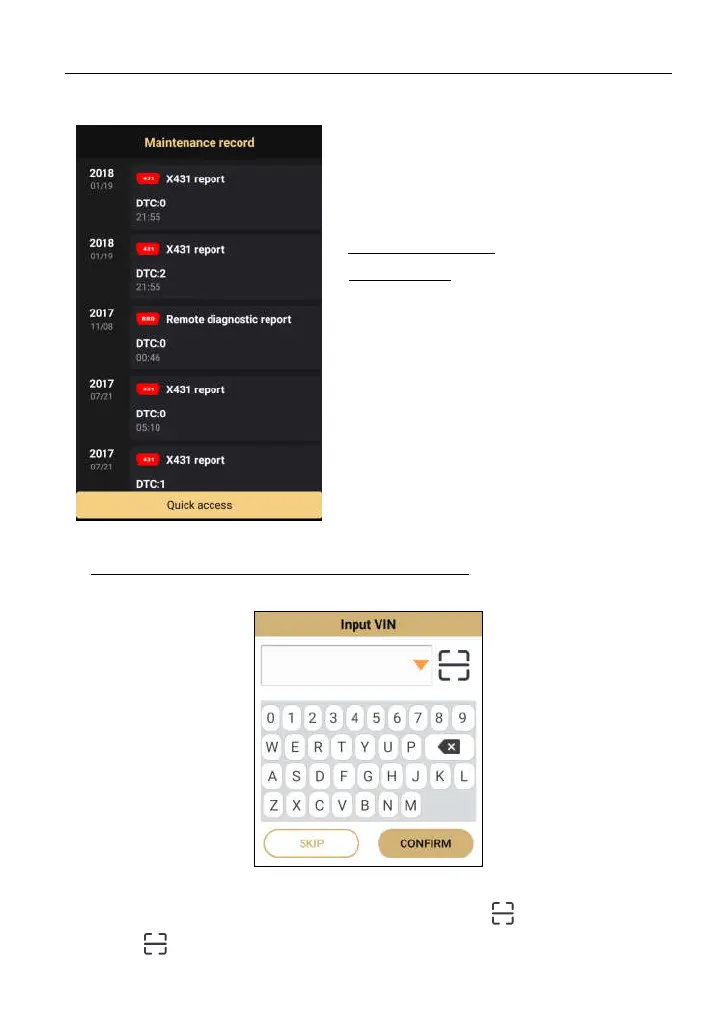
Fig. 5-3
If the currently identified vehicle has ever
been tested by various diagnostic tools or
scanners of Launch family, the screen will
display all historical repair records in
sequence of date.
On-screen Buttons:
Quick access: To perform other functions,
tap “Quick access” to directly go to the
function selection screen. Choose the
desired one to start a new diagnostic
session.
Tap certain record to view its details.
B. If the handset failed to access the VIN information, the screen will display as
below:
Fig. 5-4
In this mode, you need to input the VIN manually or tap to scan it.
1) Tap “ ” to launch the VIN recognition module.



 To Next Page