LAUNCH X-431 V User Manual — Vehicle Diagnosis
13
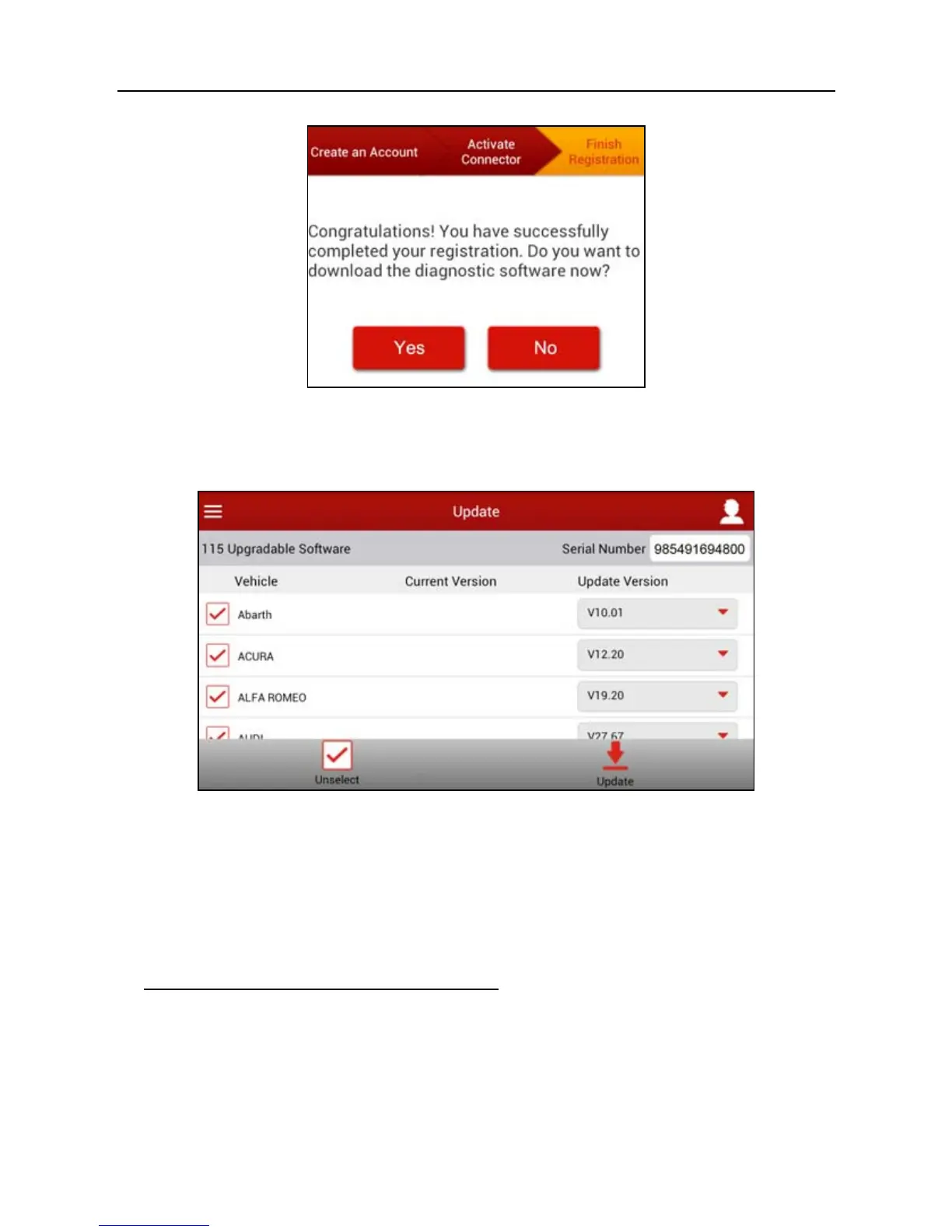
Fig. 4-6
To download the diagnostic software, tap “Yes”. See Fig. 4-7.
Tap “No” to download and install it later.
Fig. 4-7
In Fig. 4-7, tap “Update” to start downloading. It may take several minutes to
finish it, please be patient to wait. To pause downloading, tap “Pause”. To
resume it, tap “Continue”.
Once download is complete, the system will install the software package
automatically.
2. If you have registered to be a member,
input your name and password, and
then tap the “Login” button to enter the main menu screen directly.



 To Next Page