LAUNCH X431 GDS Sensorbox Manual
20
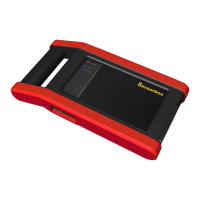
Fig.4-2
Buttons description:
[System]: displays the desktop functions, view current version No and exit
the program.
[Help]: views help information for current operations.
[Adjust]: functions including: "Zoom in", "Zoom out", "Up", "Down", "Cursor",
and "clear".
[Start]: begins or stops the testing process.
[Return]: goes back to the testing function selection interface.
4.2 Test sample
Knock sensor testing


 To Next Page