Vehicle
Power
Wireless
USB
X-431 HD Module Quick Start Guide
了解诊断盒
Knowledge of X-431 HD Module
Diagnostic socket
(For connecting the diagnostic cable.)
DC-IN power jack
Data transmission port
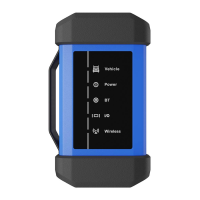
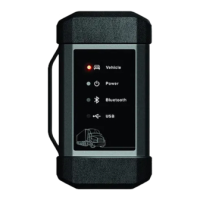
Displays the working status of the module. t is defined as
follows:
I
1. Vehicle: While the module is communicating with the
vehicle, the indicator lights up and flashes. Otherwise,
it will not illuminate.
2. Power: It illuminates solid red when the module is
powered on.
3. Wireless communication: Blue indicates the module is
working in wireless communication mode.
4. USB: It lights up when the module is connected to the
diagnostic tool via data cable.
LED Indicators
X-431 HD module works as a vehicle communication interface device, which is used read the
vehicle data and then send it to the diagnostic tool via wireless communication and data cable
connection. The LED indicators enable you to easily identify the working status of the module.
Technical parameters:
Working voltage: 9-36V
Power consumption:≤ 2W
Working temp.: - 10℃- 55℃
Communication via:
1) Data cable connection
2) Wireless communication
Note: When the diagnostic
cable or adaptor cable keeps
unused, please remember to
unplug it from the vehicle’s
DLC.
X-431 HD module
(For collecting vehicle live data)
Wireless communication
To vehicle’s DLC
Diagnostic cable
Working Principle
Data cable connection
Accessory Checklist
X-431 HD module Diagnostic cable Data cables
Cigarette lighter Battery clamps cable Adaptor cable kit
(For accessing vehicle
live data)
(To connect the
module and diagnostic
tool to perform vehicle
diagnosis.)
HD
(To connect the
module to the diagnostic
tool with different type of
data transmission ports.)
HD
(A piece of paper bearing
S/N and Activation Code,
which is needed for your
registration.)
Power adaptor Password envelope
(Sends the vehicle data
to diagnostic tool)
(For connecting the power adaptor
or cigarette lighter/battery clamps
cable to obtain power.
(For connecting it to the diagnostic
tool to perform vehicle diagnosis.)
(For different vehicle
diagnostic socket, it may
be necessary to use one of
the adaptor cables included
within the kit.)
(To supply power to the HD
module through connection
to vehicle’s battery.)
(To supply power to the HD
module through connection
to cigarette lighter
receptacle.)
(To supply power to the HD
module through AC outlet.)
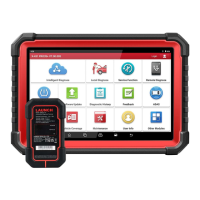
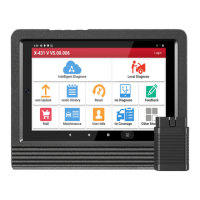
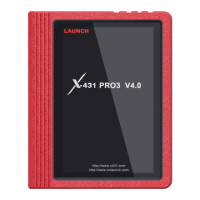
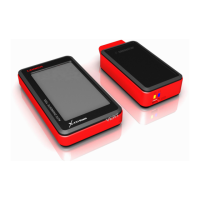
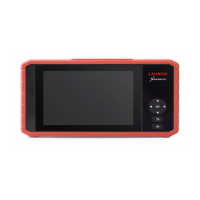
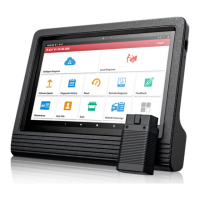
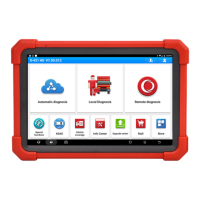
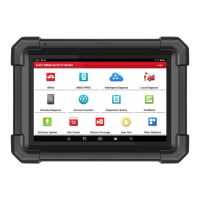
Launch’s Android-based diagnostic tool
(such as X-431 PAD II etc.)
(For analyzing received vehicle
data and indicating the test results.)
LAUNCH

 Need help?
 General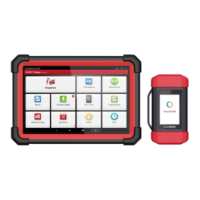


 To Next Page