Unquantised recording
With the unquantised recording feature you may record directly to micro steps in the built-in
sequencer. This is great for capturing the organic feel of your live playing and getting your
beats off-grid.
By default, live recording is quantised to steps, i.e. Record Quantise is enabled. This is
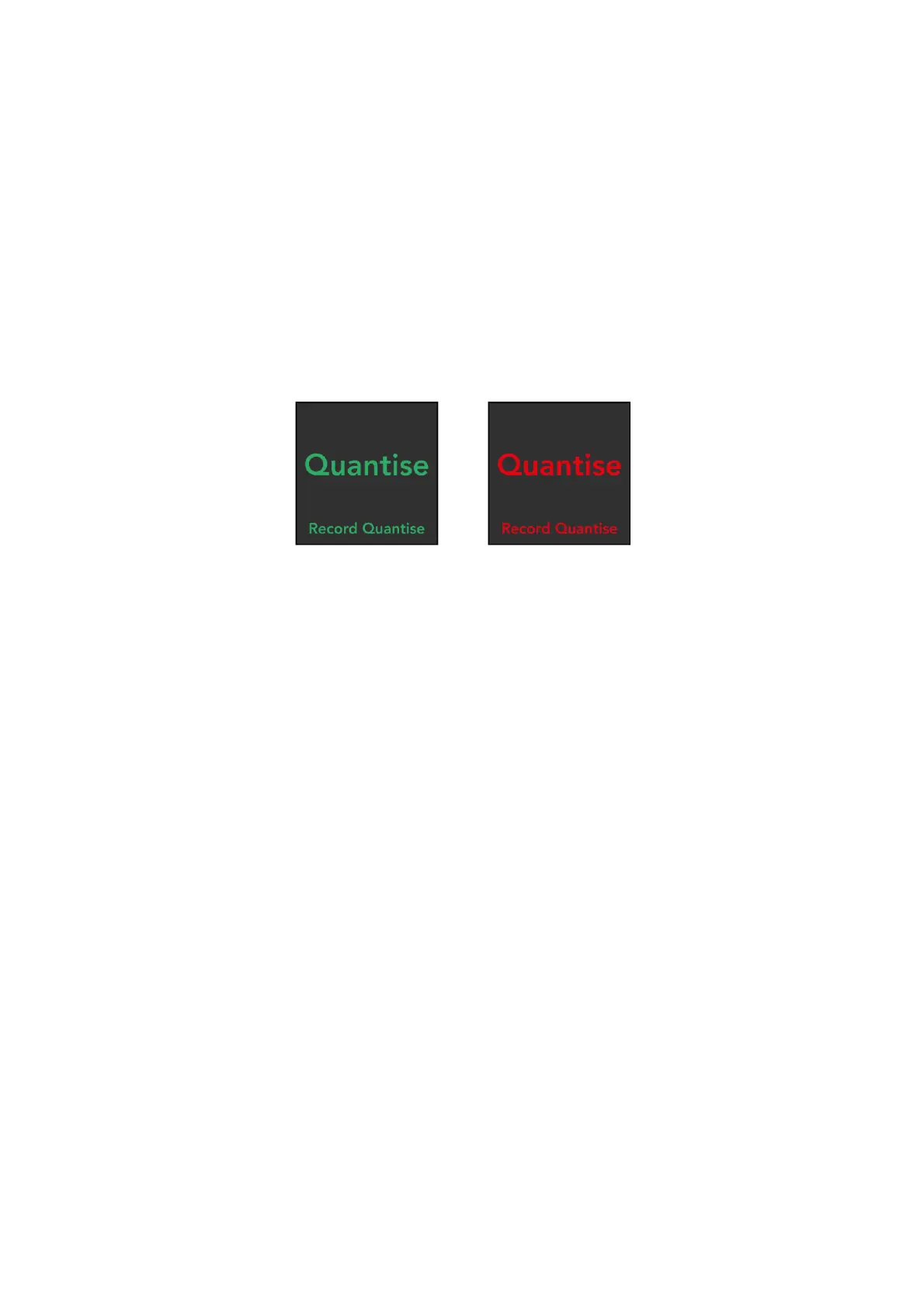
indicated by the [Quantise/Record Quantise] button lighting green when shift is held.
To disable Record Quantise, press the [Quantise/Record Quantise] button while holding shift
– it will turn red to indicate that Record Quantise is disabled. You are now able to record your
playing unquantised. Simply repeat the same action to re-enable Record Quantise.
Record Quantise is enabled on the left (green), while it is disabled on the right (red).
Note that the selection for the Record Quantise setting will persist when the device is power
cycled.


 To Next Page