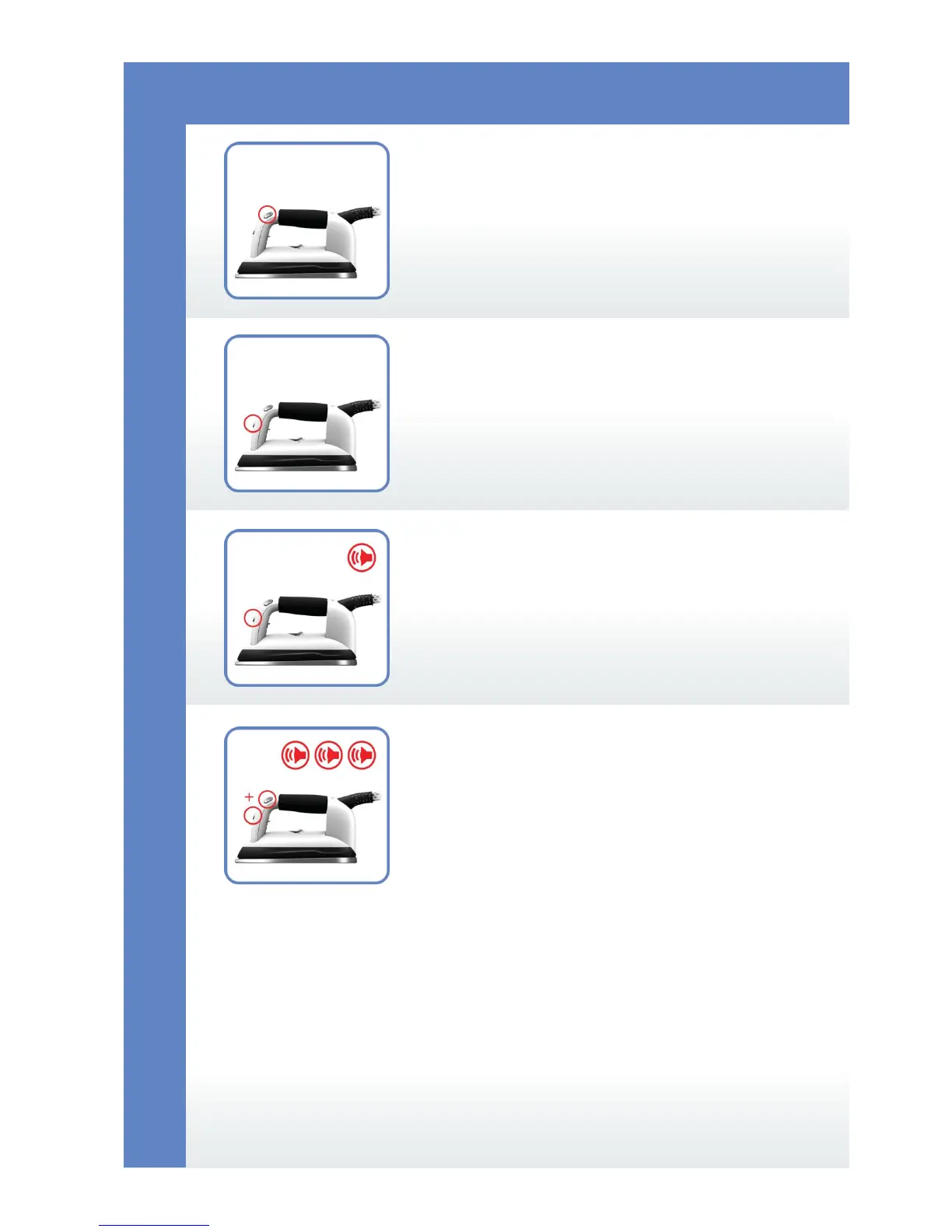
3a
3b
3c
3d
In order to produce steam while
ironing, use the button “Manual
Steam Delivery”.
Change the fan directions Fan /
Vacuum with the short term, (no more
than 3 sec.), “Fan” button push.
Change the steam delivery mode pulsing /
continuous with the long (more than
3 sec.) pushing and holding of the “Fan”
button, switching between the modes
is accompanied with the short beep
sound.
3
Change the steam pulsing velocity, and fan
off delay, in a programming mode,
by pushing “Fan” + “Manual Steam
Delivery” buttons for more than 3 seconds.
Switching between modes programming and
usage is accompanied by 3 beeps of an
alarm.
Ironing


 To Next Page