7
3.5. Smart Wake Up
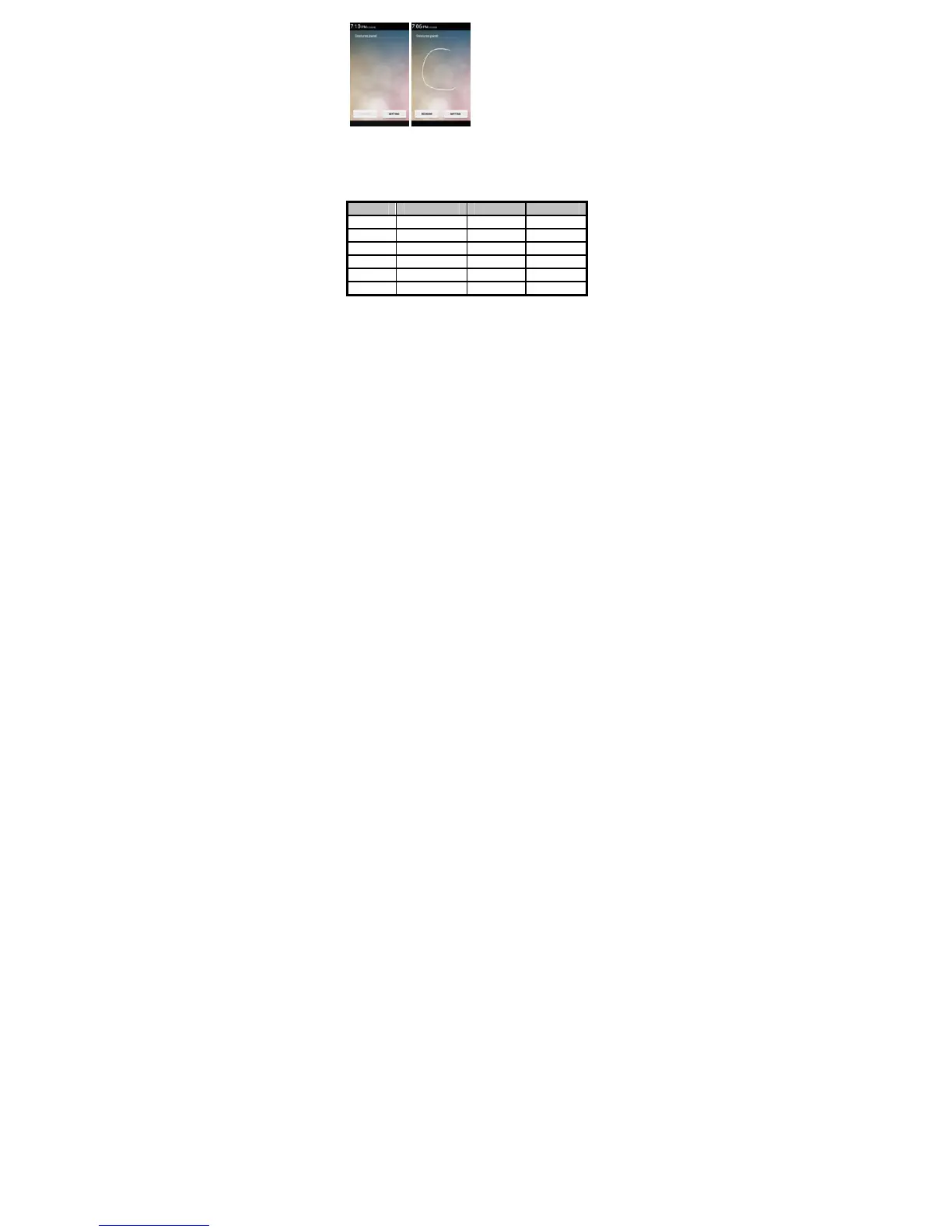
Lava A52 offers you smart awake function - Smart wake up, when the screen is
locked, you can scroll gesture on the screen to unlock it to enter into the designated
application, go to Setting-> Smart wake up to turn on/off this function, you can also
customize the function of the letter gestures. Below please find the list of the
default function.
Gesture Application Gesture Application
C Start camera W Start play store
e Start flashlight Slide up Start Phone
M Start music Slide down Start Contacts
O Start Clock Slide left Start Messages
S Start Settings Slide right Start Gallery
V Start Calculator
3.6. Motion gesture
Flip to mute
Alarm: Flip the phone to snooze the alarm when the alarm goes off.
Incoming call: Flip the phone to mute the incoming call.
Shake: shake the phone to answer when the call comes.
Hand-free switch: Switch to normal mode from loudspeaker mode
automatically on bringing device close to ears.



 To Next Page