10
Stopwatch for you. You can press alarm icon and press Add alarm to add a new
alarm. Use the clock to know the time of city you set. In this menu you also can use
timer and stopwatch.
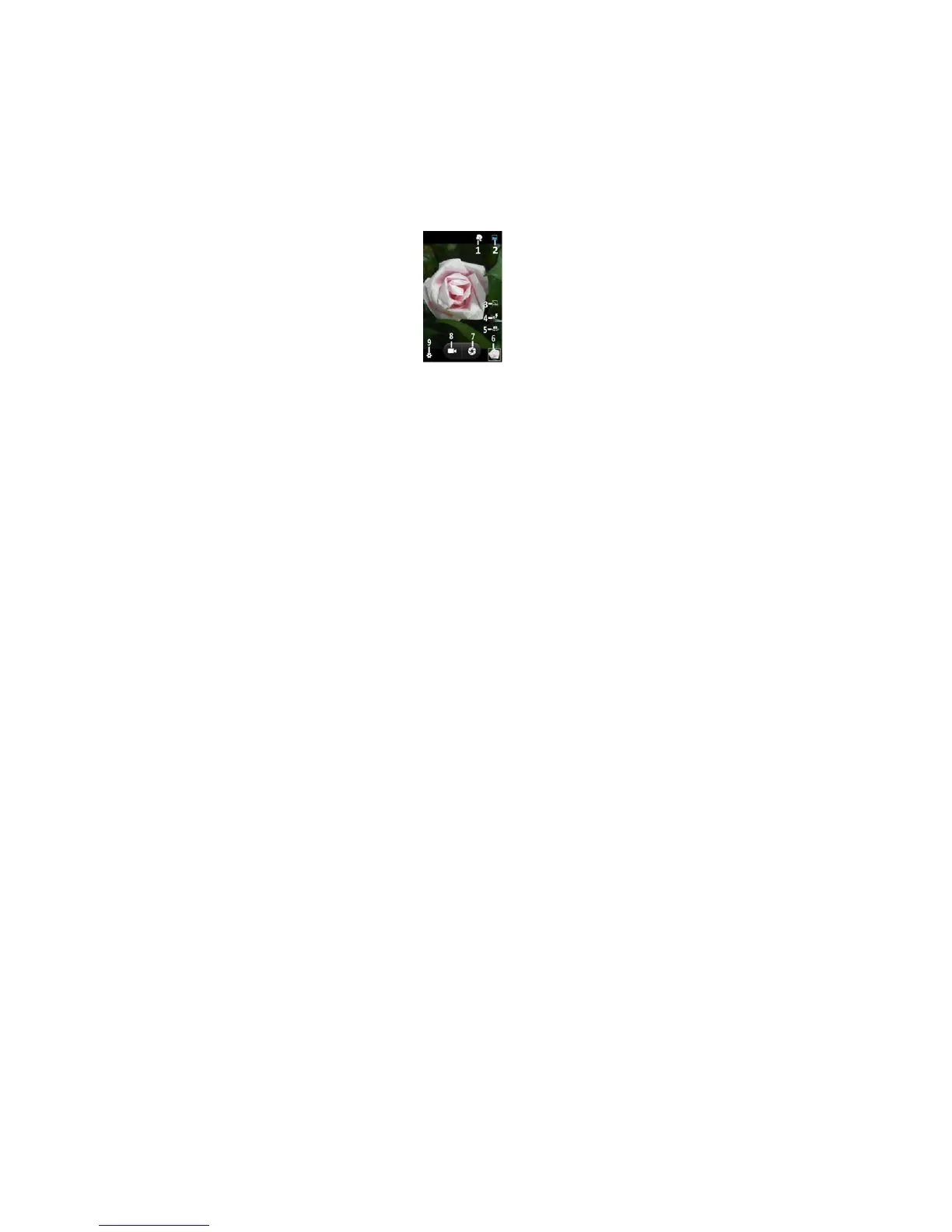
4.10. Camera
Under viewing condition, press the top icons to do the following operations.
1——Beauty mode
2——Normal photo mode
3——HDR mode
4——Change the mode of flash light: auto mode, off mode, on mode
5——Switch the camera between front and back
6——Thumbnail icon shows the currently captured picture or video
7——Press the Capture icon to take a picture/video
8——Video mode
9——Setting icon
4.11. FM Radio
Make sure the headset, which is used as the antenna, is plugged in before using the
FM radio.



 To Next Page