5
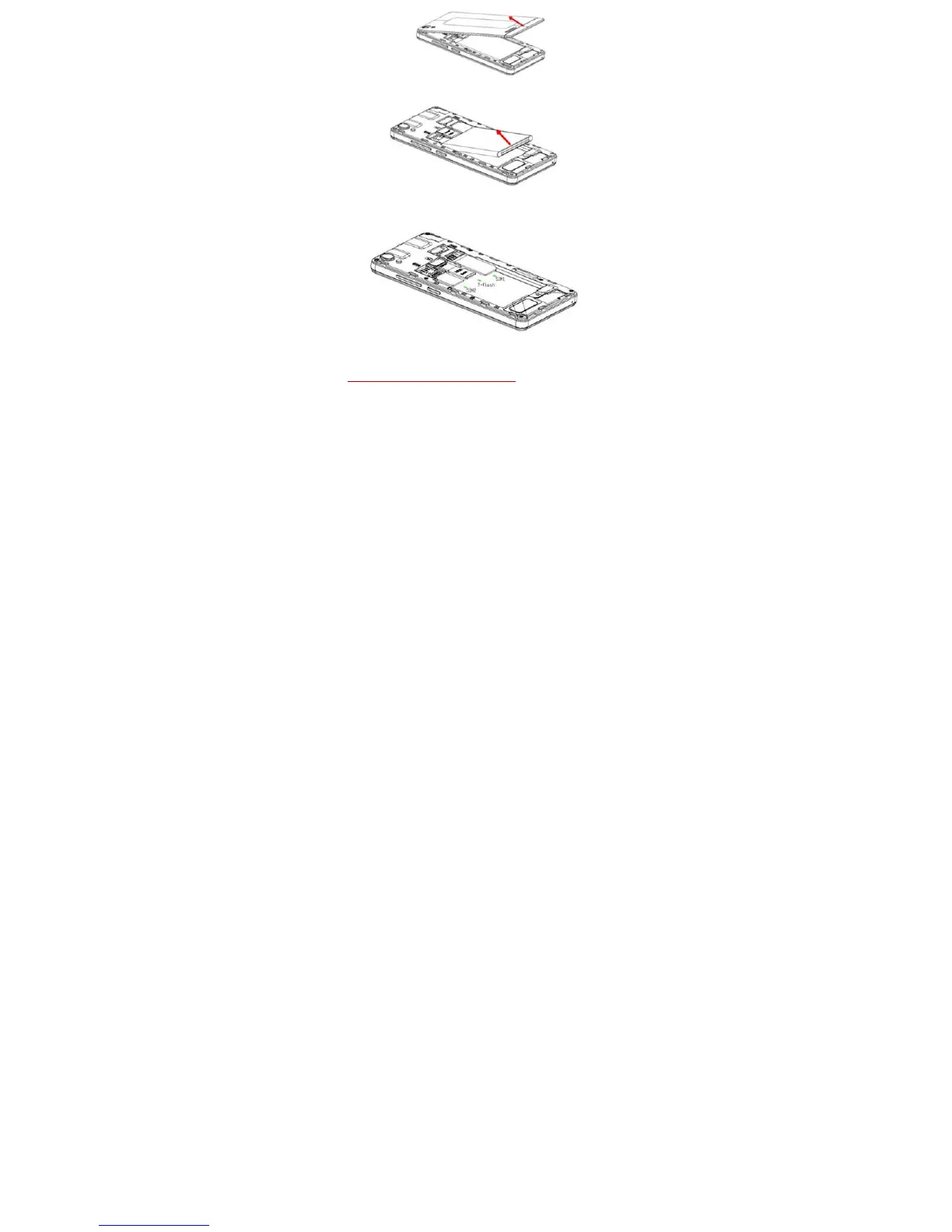
Make sure that the clipped corner of the SIM card is facing the correct direction
and the metallic contacts are facing downwards. Slide the SIM card into the card
slot.
Replace the rear cover of the mobile phone.
3.2. Inserting Micro SD card
Gently slide the micro SD card into the slot marked SD (near SIM1).
Warning:Do not remove SD card in power ON state.



 To Next Page