26
CLEANING THE BARCODE SCANNER
On the rare occurrence that the barcode scanner becomes dirty and
doesn’t scan Freshpacks, it will need to be cleaned.
To test whether the barcode is being read, press “TOUCH TO INSERT
PACK”. Insert a Freshpack (e.g., Hot Chocolate or Real Milk Froth). If
the next screen does not show a shortlist of compatible drinks, the
scanner has not read the pack.
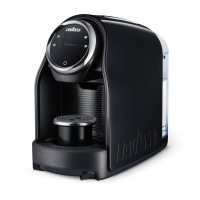
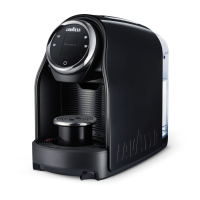
Access the barcode scanner
by removing the drip tray,
Freshpack bin, and the
Freshpack door (See
section “REMOVING
AND CLEANING THE
FRESHPACK DOOR AND
AIR DUCT” Page 28). The
barcode scanner is located
inside the brewer, at the
top, towards the back of the
brewer.
Clean the barcode scanner
with a clean, moist, lint-free
cloth or lens cleaner cloth.
For best results, dry any
moisture from the lens after
cleaning to prevent streaks
from being left behind.
SCANNER
2
1
If you are interested in joining our recycling program, please let your
account manager know.


 To Next Page
 Loading...