18
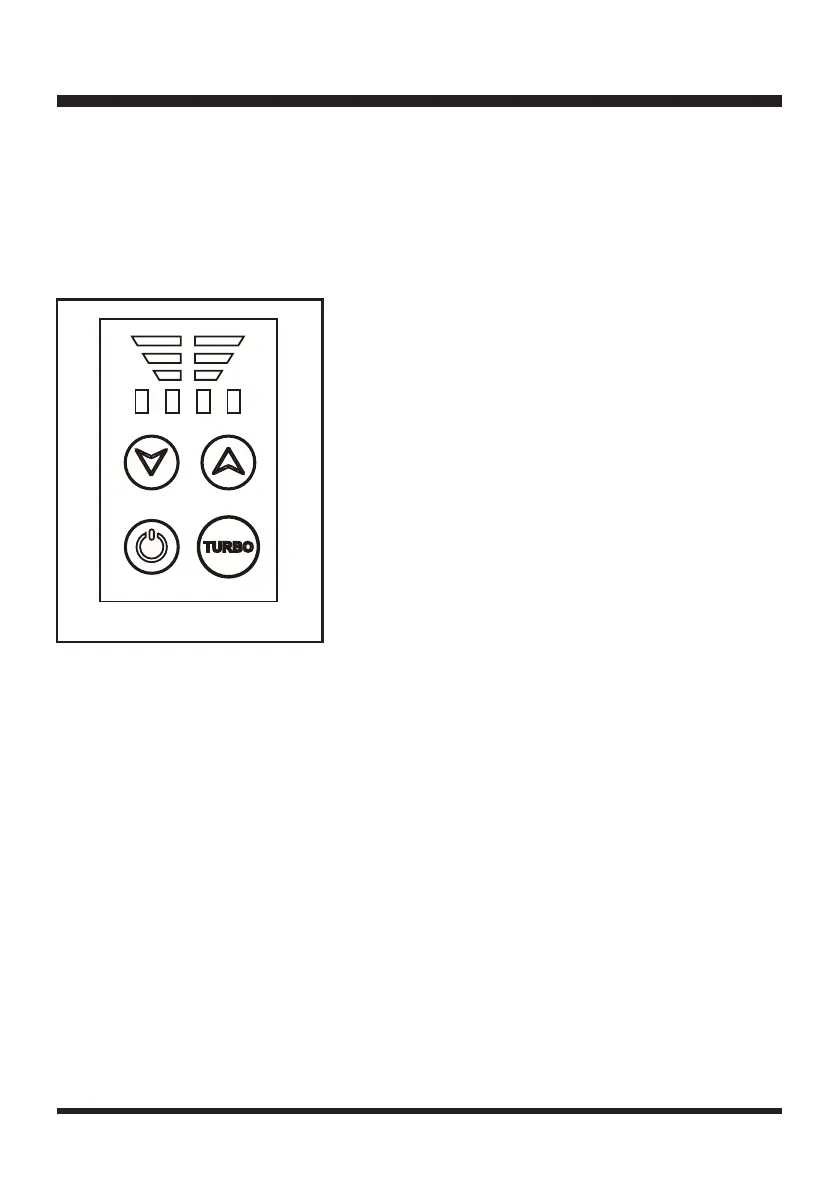
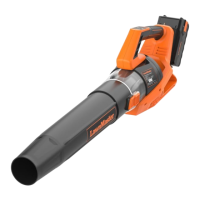
STARTING / STOPPING THE BLOWER (See Figure 5)
1. Make sure the battery pack is installed properly.
2. To start the blower, press the On/Off Button. The blower starts and air ows from the nozzle. The
blower always starts in speed Level 1 by pressing the On/Off Button.
3. To stop the blower, press the On/Off Button again.
NOTE: If temperature of blower is too high, or battery energy is too low, it will shut off automatically.
ADJUSTING THE AIR SPEED
This blower has 4 air speed levels. Use the high speed button or low speed button to increase or lower
the air speed.
The air speed indicator located above the speed adjustment buttons, will indicate the air speed level.
When reaching the highest speed (4), the air speed indicator will show 4 green lights.
TURBO SPEED BUTTON
The turbo speed button can be used occasionally to increase airow to remove tough debris.
Press and hold the turbo speed button to increase airow. After 15 seconds, the airow will return to its
previous speed.
BATTERY INDICATOR
When operating the blower, the battery indicator on the control panel will illuminate to indicate the
battery status.
OPERATION
Fig. 5


 To Next Page