20
Error Indicator
Time Setting Indicators
When a time setting is selected, the corresponding indicator will be green continuous.
Time Setting Buttons
Make sure the control panel is unlocked. Press the time setting button to set the working time.
Then press the OK button.
7KHPRZHUZLOOVWDUWDWWKHVDPHWLPHDVWKH¿UVWZRUNLQJVHVVLRQHYHU\GD\
OPERATION
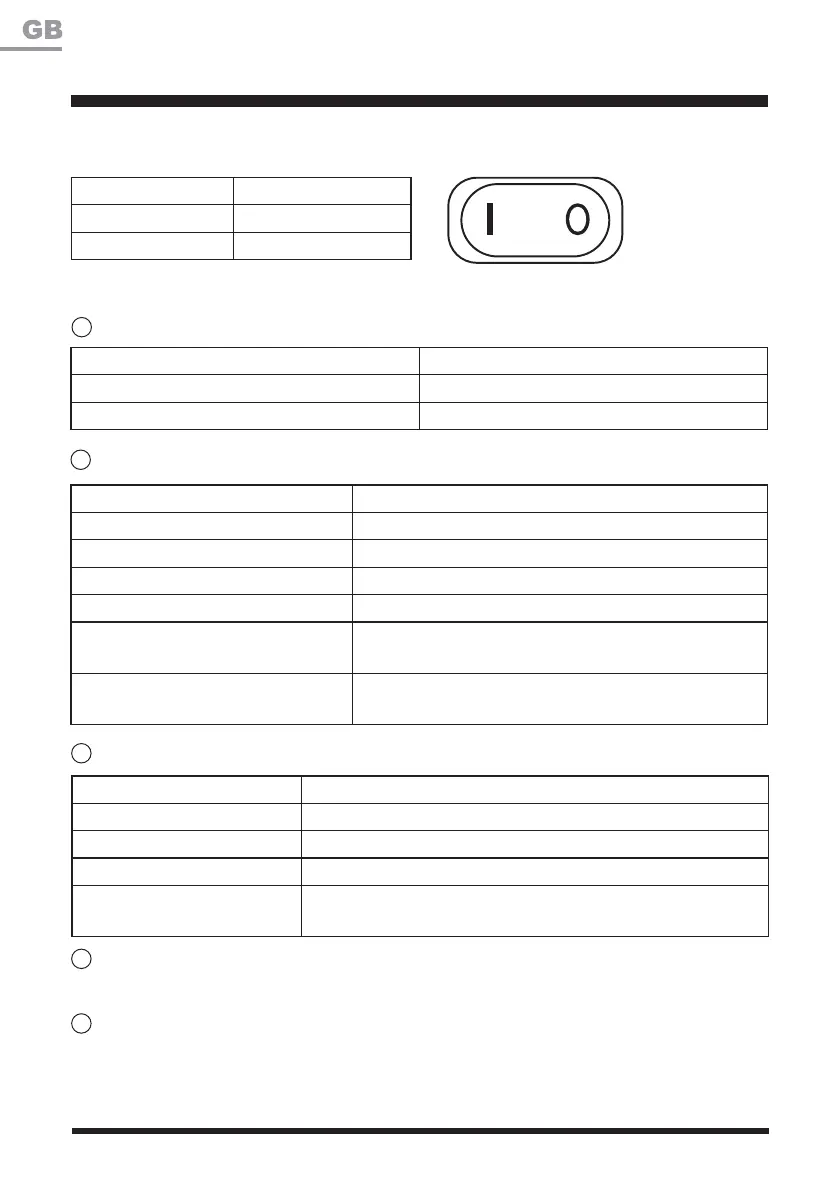
Error Indicator Status
Off The mower is in normal operation.
Red, Continuous Hardware issue.
Yellow, Flashing The rain sensor is activated.
Yellow, Continuous
The lift sensor, drop sensor, boundary sensor, or bump sensor is
activated.
3
4
5
Battery Indicator
Battery Indicator Status
Green, Continuous 6XI¿FLHQWSRZHUIRUPRZLQJIXOO\FKDUJHG
Green, Flashing Charging; battery capacity is more than 40%.
Yellow, Flashing Charging; battery capacity is less than 40%.
Red, Continuous Recharge required.
Red, Flashing
The temperature of battery pack is abnormal, or the
electric core fault.
Green and Red, Alternately Flashing
7KHPRZHULVRQWKHEDVHVWDWLRQZKLOHWKH2Q2IIVZLWFK
LVRQWKH³2´2))SRVLWLRQ
2
Switching On/Off
Control Panel (See Fig. 28)
Signal Indicator
Signal Indicator Status
Off Signal of boundary wire is normal.
Red, Flashing Signal lost.
Position Status
Ion
Ooff
1







 To Next Page