Need help?
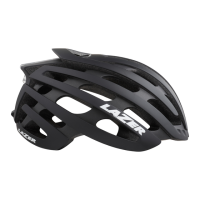
Do you have a question about the LAZER Z1 and is the answer not in the manual?
Remove the plastic battery insulation tab before initial use of the product.
Insert the lower tongue of the mudcap into the LED groove, then rotate to position.
Insert the mudcap into the helmet and push until it clicks securely.
Press the button to cycle through still mode, flashing modes, and off.
 General
| Brand | LAZER |
|---|---|
| Model | Z1 |
| Category | Motorcycle Accessories |
| Language | English |

 To Next Page