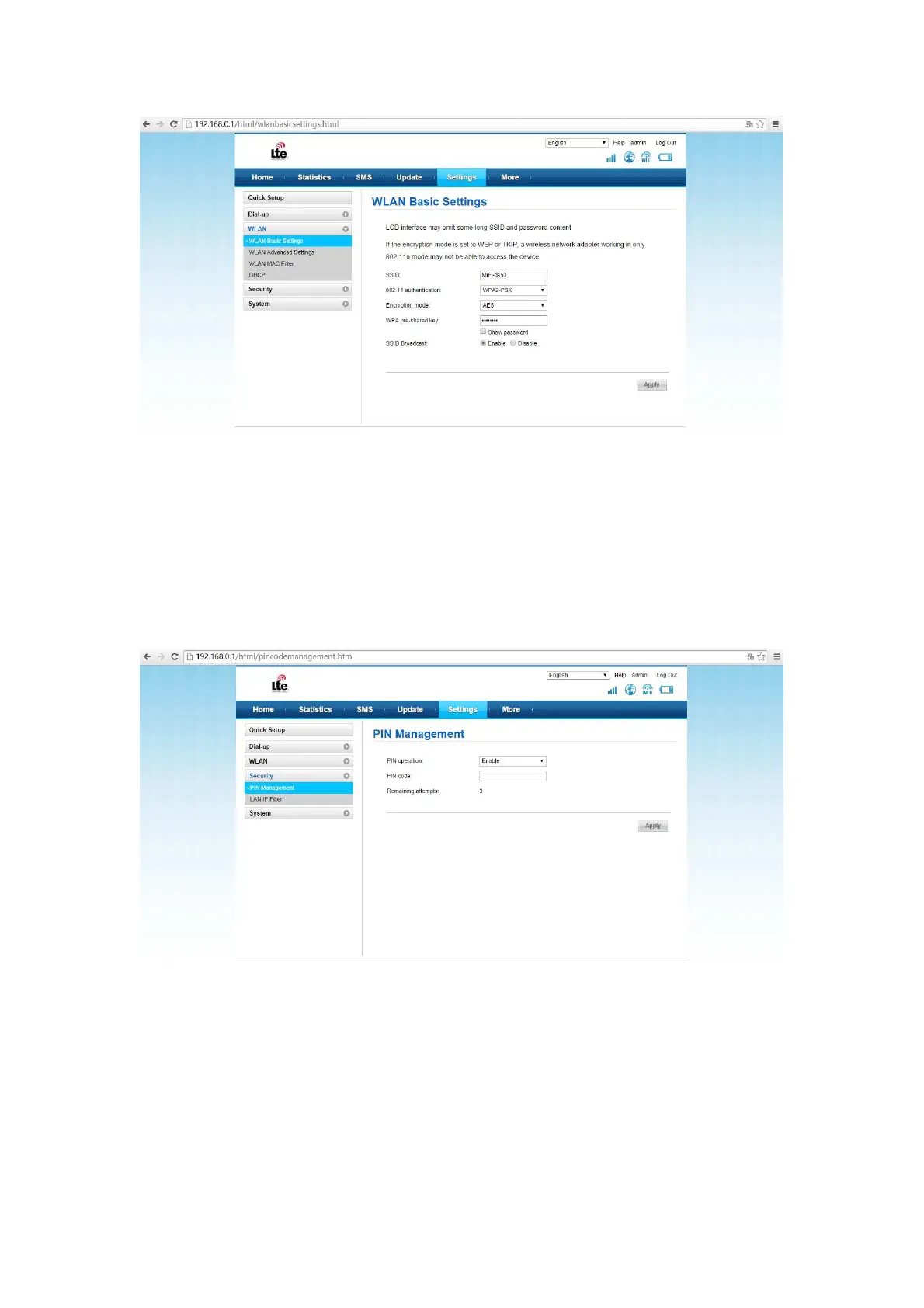
PIN code management
The user can lock the USIM card via PIN code to protect the device been used by un-known
device; the default PIN and PUK code is provided by the operator. The user can see the
current PIN code state and the remaining enter times for the PIN and PUK code. The user
need enter the old PIN code to unlock the USIM code. And then enter the new PIN code to lock
the SIM card. If the user don’t want to use the PIN code, please select the”disable”, and then
to enter the correct PIN code and click “save”.
Flow data
Display the currently upload and download speed;
Display the flow rate and the duration of networking time for this time.
Display the flow rate and the duration of networking time for this month.



 To Next Page