After install the driver successfully, if the device can not able to be identified by the PC, please
check if the “auto-play” function of computer is on by following steps:
Windows7: Open the “start Menu->Control Panel->Hardware and Sound->Auto Play”, check
“using Auto Play for all media and devices” has already been selected or not.
Windows XP: Open the “Start Menu->Run”, type command “gpedit.msc”, and run, open the
window of “Group Policy”,In the left column of the window, you will see the “Local computer
Policy”, please open “Computer setting->Administrative->system”, check if the “Auto play” has
been already started or not from the right column of “setting”.
System request
Item Description
Windows Support Windows XP 32bit, Vista 32bit/64bit
Windows7 32 bit/64bit, Windows 8 32bit/64bit
OS
Mac X10.6-X10.9
Internet Explorer Internet Explorer 8 and above versions Browser
Safari/Firefox Safari 4 or Firefox 4 and above versions
WiFi Connection
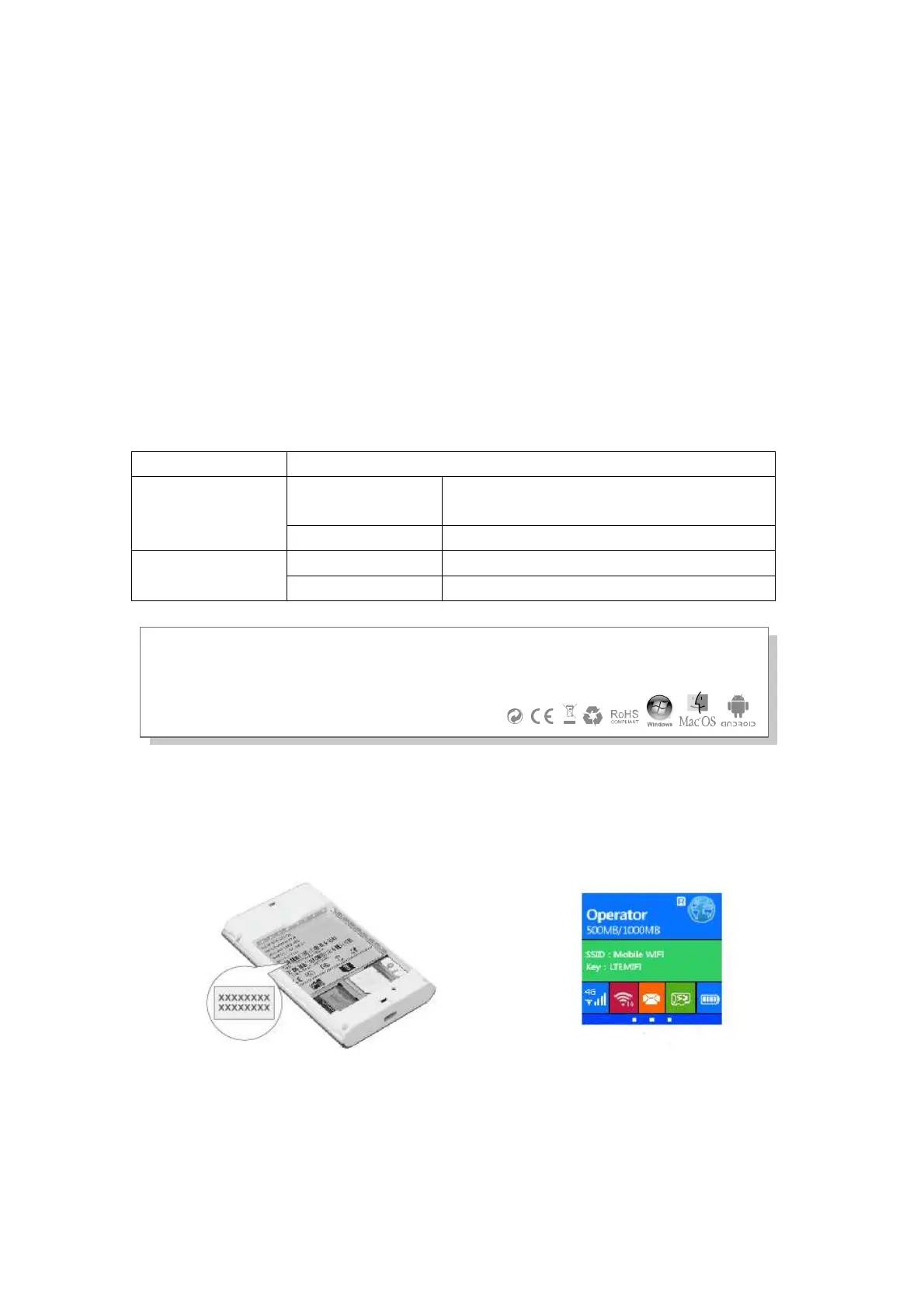
While the Wi-Fi device connect to the device for first time, you need to enter the SSID(Wifi
account name) and WIFI password, you can get it by following ways:
Tips: It is recommended that you set up an convenient SSID account name and WIFI
password after Log in the management page.
Windows 7



 To Next Page