5
DEUTSCH
ENGLISHFRANCAIS
ESPAÑOL
POLSKI
ITALIANO
简体中文繁體中文
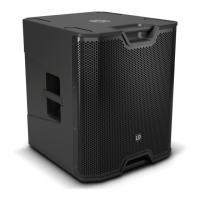
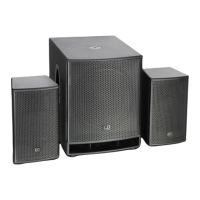
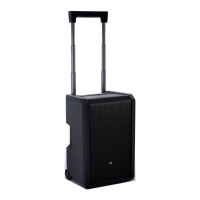
LDICOA15A(BT)
• Genuine all-rounder for full-range, satellite, and monitor applications
• Two-way speaker with 15" woofer
• BT model equipped with Bluetooth® audio streaming
• 128 dB max. SPL and 300 W RMS power handling
• Coaxial design with rotatable, BEM-optimized CD horn for vertical and horizontal use
• Horn-loaded woofer
• DynX DSP with four presets featuring three band equalizer and delay function
• Two line/mic input channels with individual gain controllers, 3.5 mm jack input plus mono mix output
• 36 mm dual-tilt stand connection with a tilt angle of 0° and 5°, 55° monitor angle with sturdy stand
• Shockproof front grille for the best speaker protection
• Four aluminium handles with ergonomic, rubberized surface
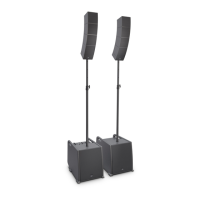
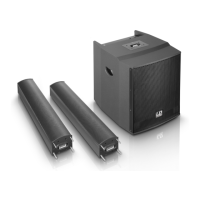
• Comprehensive range of optionally available accessories for installation and transport
1
2
3
6
7
5
8
4
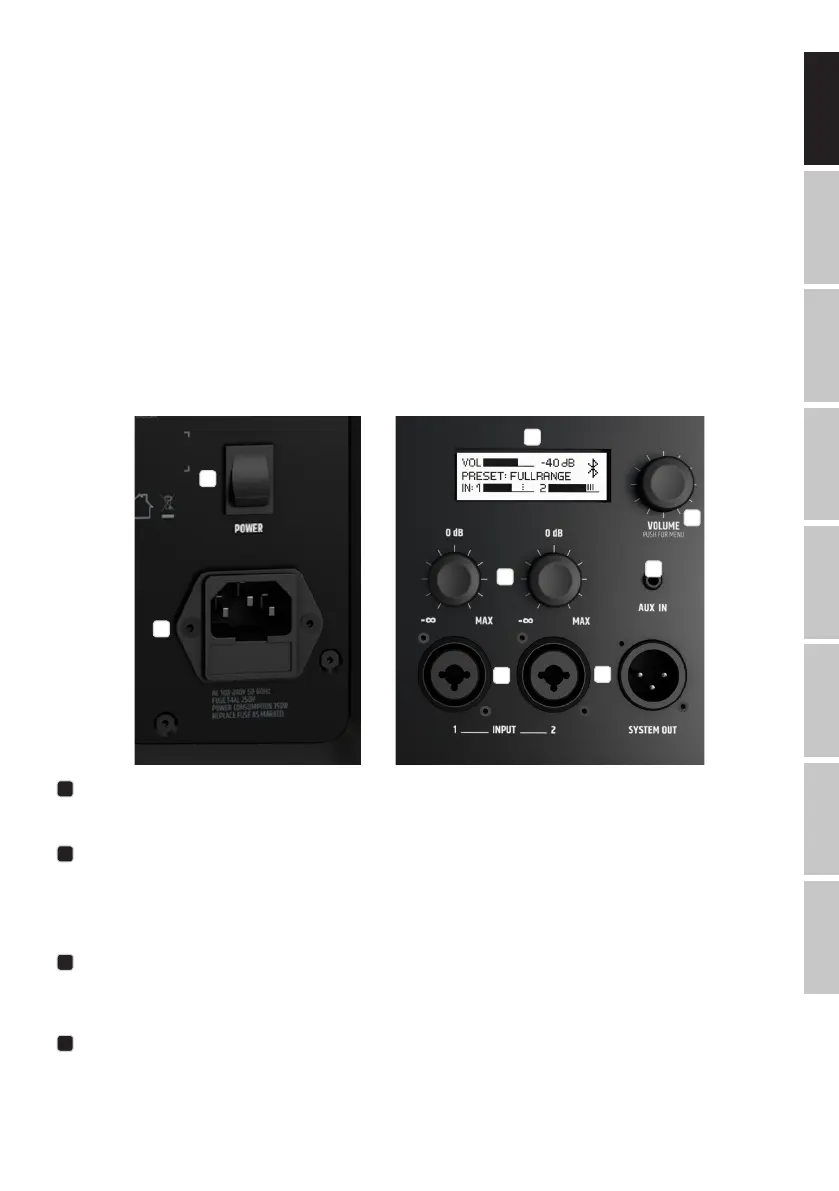
CONNECTIONS, CONTROL, AND DISPLAY ELEMENTS
1
POWER
On/off switch. The speaker should always be the last device to be switched on in the signal chain, and the rst to be switched off.
2
POWER SOCKET AND FUSE HOLDER
IEC power socket with integrated fuse holder. A suitable power cable is included in delivery.
IMPORTANT NOTE: Only replace the fuse with a fuse of the same type and values. Please note
the inscription on the housing. If a fuse trips repeatedly, please contact an authorized service center.
3
LC DISPLAY
Multifunctional graphic LC display for displaying the master volume, the DSP preset and the input level for channels 1 and 2 in the main menu. The
menu items, submenu items, and corresponding editing options are displayed in the Editing menu.
4
VOLUME / PUSH FOR MENU
From the main menu, the master volume can be adjusted by turning the rotary-push encoder. Press the rotary-push encoder to access the Editing
menu. Use the rotary-push encoder to navigate the Editing menu, adjust system settings, and change values in the respective menu items.



 To Next Page