EN-133
From time to time, dust off the condenser under the device; accumulated dust may reduce the efficiency
of your wine cabinet.
In the event of a prolonged absence, empty and clean out the device; maintain the door slightly open
during the period of non-use.
REPLACING THE ILLUMINATING LAMP
The device uses light emitting diodes (LEDs). This type of diode cannot be changed by the user. The life
cycle of the LEDs is long enough so that they do not need to be changed. If however, in spite of the
care taken by the manufacturer, the LEDs do fail, please contact your Customer Care Service for any
repair.
TROUBLESHOOTING
You can resolve many of the problems that may arise without having to call Customer Care Service.
Please try the suggestions below.
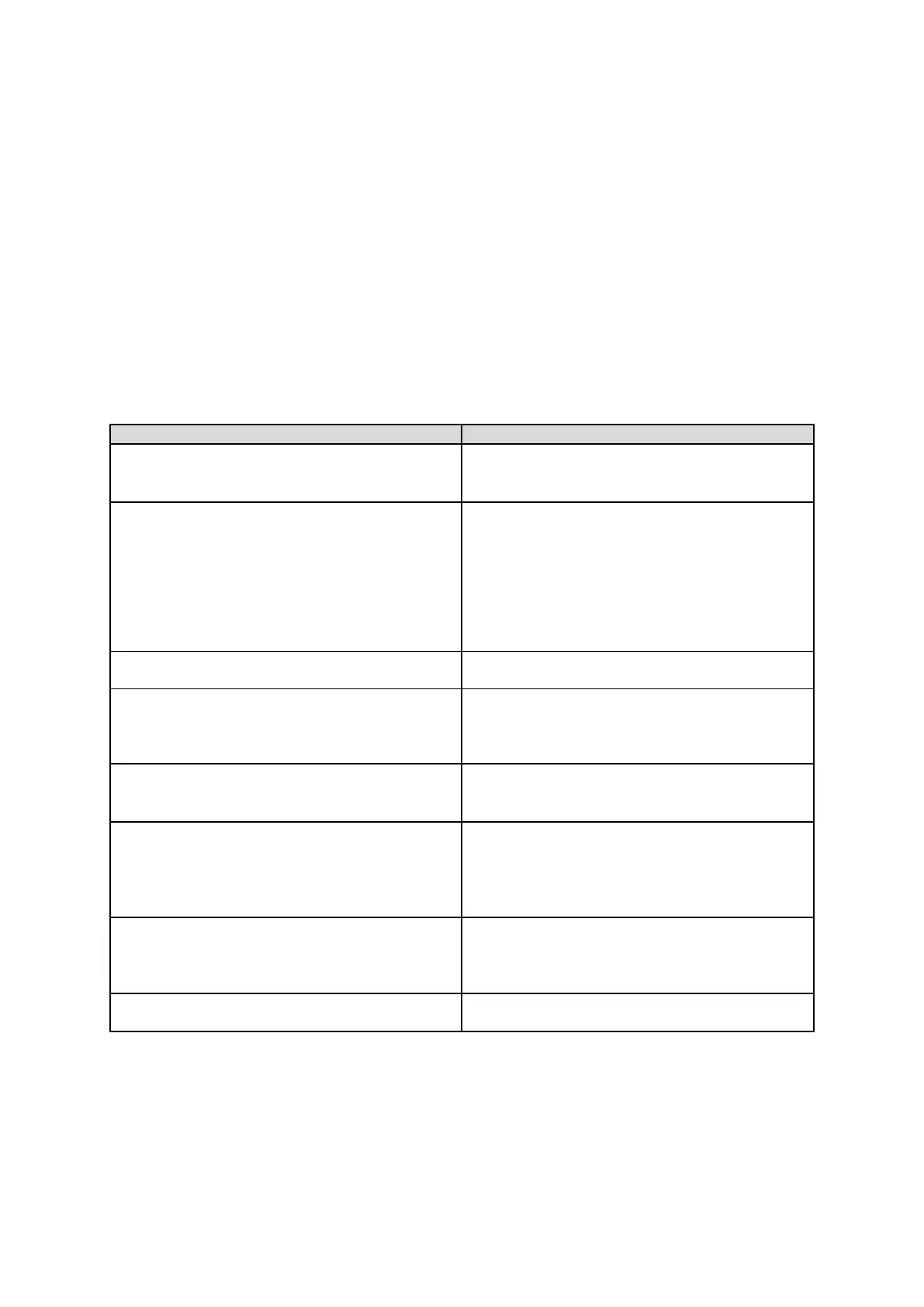
PROBLEM POSSIBLE CAUSE
No operation
• Check your installation's power supply
• Check your circuit breaker
• A fuse has blown
Not cold enough
• Check the setting temperature
Ambient temperature requires readjustment of
the temperatures
• The door is open too often
• The door is not closed properly
• The door seal is not air-tight
• There is not enough space around the
device
No interior light
No display on the LCD screen
• Contact your Customer Care Service
There appears to be a loud noise
• Check the device levelling
• Verify that a piece of paper or part of the
packaging has not remained stuck in the
device.
The door does not close properly
• Check the device levelling
• The seal is in poor repair
• The feet have "moved"
The light (LED) does not come on
• The control panel is not working
• Printed circuit problem
• Mains plug problem
• Contact your Customer Care Service
LED display error
• Poor display
• The temperature value is not shown
• Contact your Customer Care Service
The fans are not working
• Control Panel to be replaced by your
Customer Care Service


 To Next Page