Thanks for purchasing the Digital Game Camera from
Leaf River Outdoor Products. You’ve made a wise choice
and we believe you’ll enjoy discovering how useful this
camera is.
We’ve worked pretty hard to make the Game Camera easy
to use while giving you plenty of options for making
different kinds of photos and videos in various situations.
We loaded the camera with default settings that work well
for most people to begin with.
Before you can start making pictures though, there are a
few of things you need to learn, so we made this user’s
manual and accompanying video to help you out. [Although
cameras in the video do not have IR illumination; they function the
same as this model in nearly every other way.]
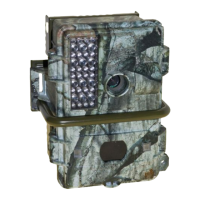
The first thing you’ll probably notice about the camera is
the Mossy Oak® Break-Up camouflage pattern. On the
front you see at the top an oversized, infra-red illuminator.
In the center is the camera lens with its detachable lens
hood. In the middle is the security bar. And below that is
the infra-red sensor and motion detector with a light sensor
and an indicator light we’ll tell you about later.
The motion detector looks for warm, moving objects.
When the sensor detects an animal moving, the camera
takes a picture, storing it digitally in the camera’s memory
or on a removable Compact Flash® card. On the bottom of
the housing unit is the main power switch. On the back is a
sturdy steel mounting bracket for attaching the camera to
a post or tree. On one side are the hinges for the door and
on the other side are the latches.
THANKS and WELCOME!
What does this new camera do?
2
If the outside of the housing has moisture from rain or dew,
be careful opening the unit to avoid getting water inside the
camera.
TIP
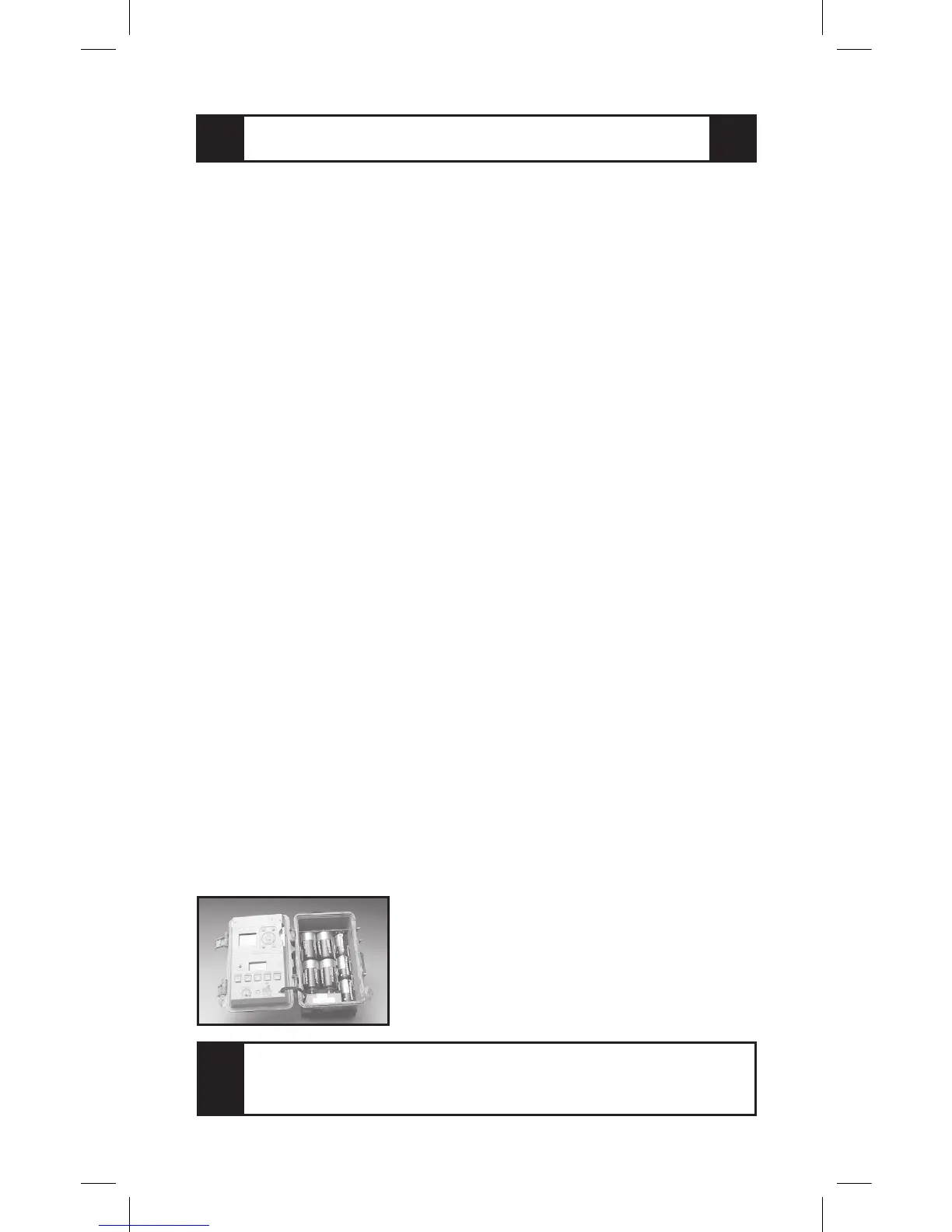
A flexible rubber gasket in the chan-
nel around the inside edge of the
door makes a tight seal to keep rain
and moisture out of the camera and
the battery compartment.


 To Next Page