76
CONTROL UNIT
OPERATION INSTRUCTIONS
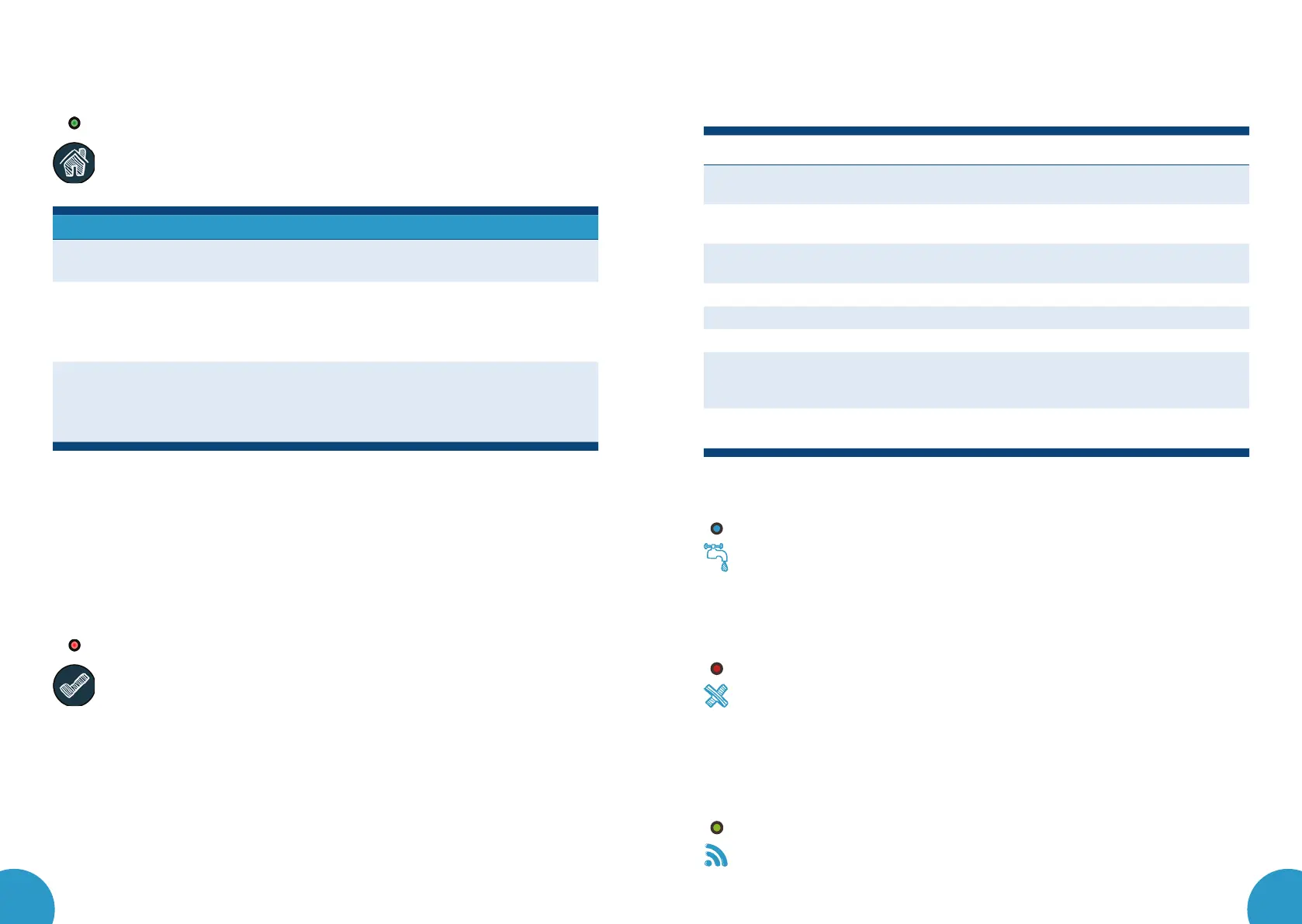
Leakomatic M3i+ has three modes of operation. Press the Mode button
to select a mode. Press briefly to switch between Home and Away mode.
Keep the button pressed longer to activate the Pause mode. The selected
mode shows in the mode indicator.
Setting Description Indicator
Home
Allows longer flow time, use when you are
at home.
Light on
Away
Allows minimal water flow. Recommended to
use when you are away from home for longer
periods of time. It is recommended to activate
the Away mode every time you leave home.
Flashes
quickly
Pause
Temporarily de-activates the setting that shuts
off water and sounds an alarm. Activate this
mode when you need an infinite amount of
water, i.e. for watering the lawn.
Flashes
slowly
You can deactivate Pause mode anytime by pressing the mode button. The system
will return to its previous mode of operation.
The unit can be configured so that the valve is kept closed in Away mode. If this
function is activated, no tightness test is performed. Instead, the unit continuously
measures the pressure and warns if the pressure in the system drops below 1 bar.
ALARM
The alarm indicator flashes during the warning and stays on during
the alarm. Press the Clear button briefly to silence the warning and
alarm sounds. Keep the Clear button pressed to clear the alarm.
The system shuts off water only in case of an alarm. Silence the alarm by briefly
pressing the Clear button and find the cause of the alarm. The water will start to
flow again only after the alarm has been cleared.
The device warns before sounding an alarm if a delay has been set. The alarm
must be manually cleared whereas warnings can be automatically cleared
through the system after the cause of the alarm has passed.
You can set a time frame when the system stays silent in order to guarantee
uninterrupted sleep. Alternatively, you can permanently disable the alarm sound
or only allow sounds during a warning/alarm.
Alarm Warning Description
Flow test Flow has continued longer than the set maximum time.
See further information in Flow test.
Volume test Permitted flow volume has been exceeded.
See further information in Volume test.
Tightness
test
The tightness test detects possible hidden leaks.
See further information in Tightness test.
AUX1 IN AUX1 input is activated.
AUX2 IN AUX2 input is activated.
Frost guard The temperature at the sensor is below the set level.
Sensor The pressure sensor or the frost guard has not given any
readings during the last hour, or no flow has been registered
for the past seven days.
Low pressure The pressure in the pipe system has remained below 1 bar
during the last hour.
TEST INDICATOR
The blue LED on the control unit is marked as Test, this is
the test indicator. The indicator light flashes if the system is
running a tightness test and keeps the light on while the device
is monitoring flow.
VALVE INDICATOR
The red LED on the control unit is marked as Valve, this is the
valve indicator. While the light is on, the valve is closed and water
cannot flow through it. The valve is usually closed during tightness
testing and in case of an alarm.
NETWORK INDICATOR
The green LED on the control unit is marked as Network, this is the
network indicator. The light turns off when the device is oine,
flashes when the device is in pairing mode and stays on when the
device is online and connected to the Leakomatic Cloud service.



 To Next Page
 Loading...