LECTROSONICS, INC.4
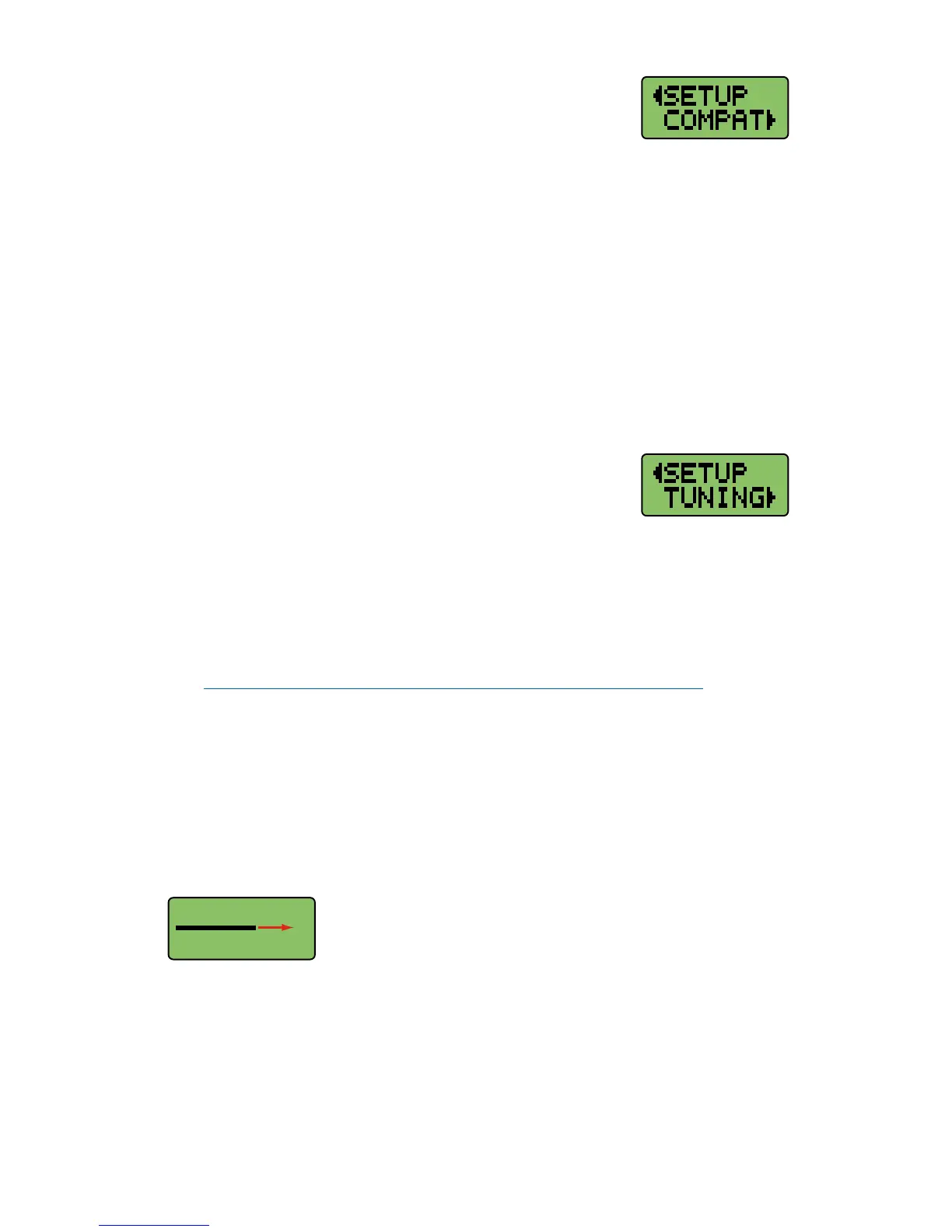
COMPAT Setup Screen
The COMPAT setup screen selects the current compatibil-
ity mode, for interoperation with various types of receivers.
The available modes are:
IFB - Lectrosonics IFB compatibility mode. This is the default setting and is
the appropriate setting to use with the Lectrosonics IFBR1A or a com-
patible IFB receiver.
400 - Lectrosonics 400 Series. This mode offers the best audio quality and is
recommended if your receiver supports it.
100 - Lectrosonics 100 Series compatibility mode.
200 - Lectrosonics 200 Series compatibility mode.
MODE 3 and MODE 6 - Compatible with certain
non-Lectrosonics receivers.
Press MENU to return to the Setup window.
TUNING Setup Screen
The TUNING setup screen allows selection of one of four
factory set frequency groups (Groups A through D), two
user programmable frequency groups (Groups U and V)
or the choice to not use groups at all.
In the four factory set frequency groups, eight frequencies per group are
preselected. These frequencies are chosen to be free of intermodulation
products. (Refer to owner’s manual for more information).
In the two user programmable frequency groups, up to 16 frequencies can be
programmed per group.
Note: The TUNING Setup Screen only selects the tuning mode
(NORMAL or Group tuning) and not the operating frequency. Actual
operating frequencies are chosen through the Frequency Window.
Press MENU to return to the Setup window.
Lock/Unlock Panel Buttons
To enable or disable the control panel buttons, navigate to the Main Window
and press and hold the MENU button for about 4 seconds. Continue holding
the button as a progress bar extends across the LCD.
When the bar reaches the right side of the screen, the unit will toggle to the
opposite mode and LOCKED or UNLOCKED will flash briefly on the screen.


 To Next Page