SRb5P and SRb Dual Receivers
LECTROSONICS, INC.
2
Quick Start Summary
The following checklist includes the minimum required
settings to start using the receiver.
• Install either stand-alone or camera slot adapter kit,
the antennas and position the receiver as it will be
used (see pages 9-12).
• Connect power to the receiver (see pages 10,11).
• Set the DIVMODE for single or dual channel opera-
tion (see page 15,16).
• Set the COMPAT (compatibility) mode for the trans-
mitters to be used (see pages 15,16).
• Find clear operating frequencies for one or both
receivers (see pages 19-21).
• Set transmitters on the matching frequencies (see
transmitter manual).
• Verify transmitters are set to the same compatibility
mode as the receiver (see transmitter manual).
• Adjust transmitter input gain to match voice level
and mic position (see transmitter manual).
• Adjust receiver output level as needed for the cam-
era or mixer input level desired (see pages 15,16).
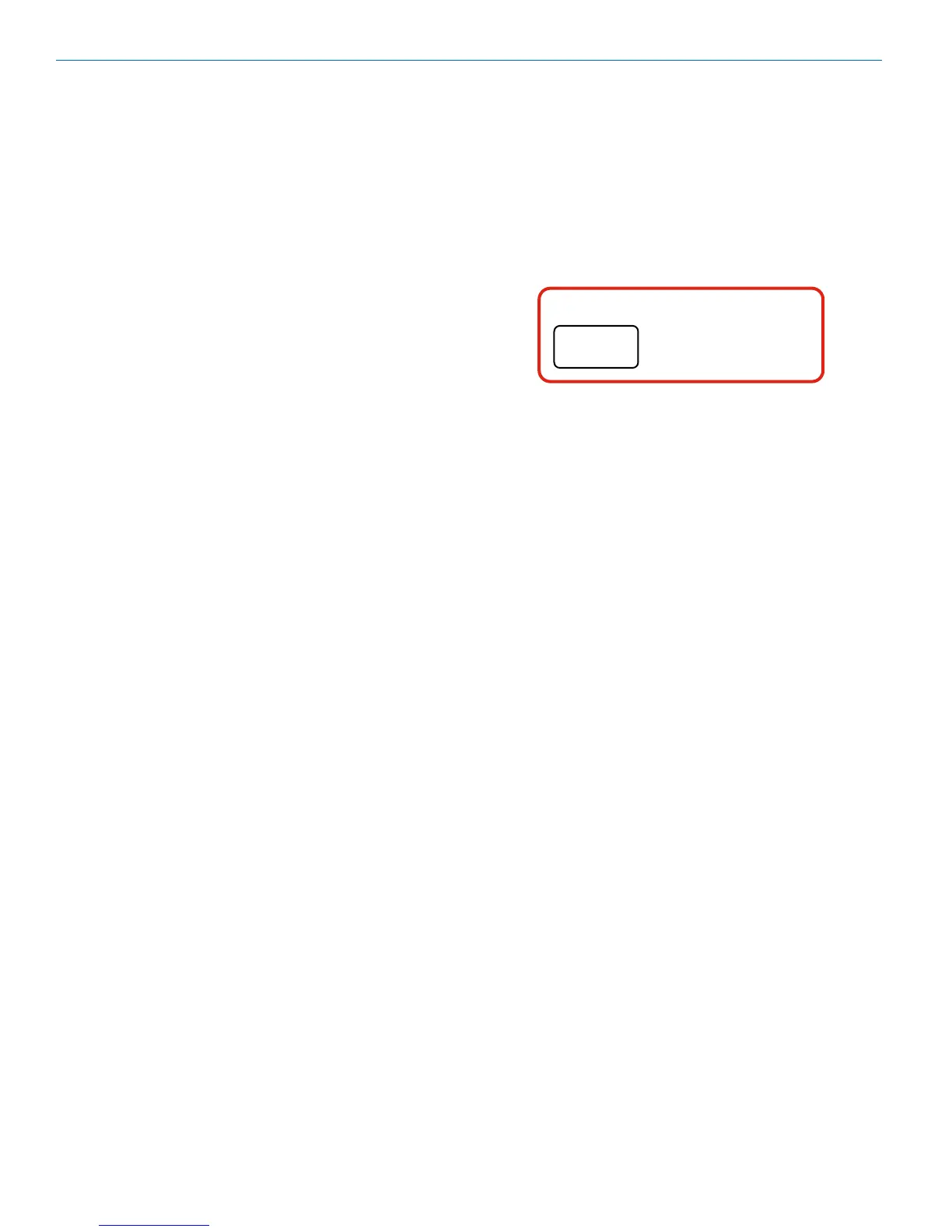
IMPORTANT:
FREQ.
WARNING
Performance will be degraded if
Receiver 2 is set 4.2 to 4.8 MHz higher
than Receiver 1. The LCD will also flash
this message periodically.



 To Next Page