5. Start Ledger Live from Launchpad or Spotlight.
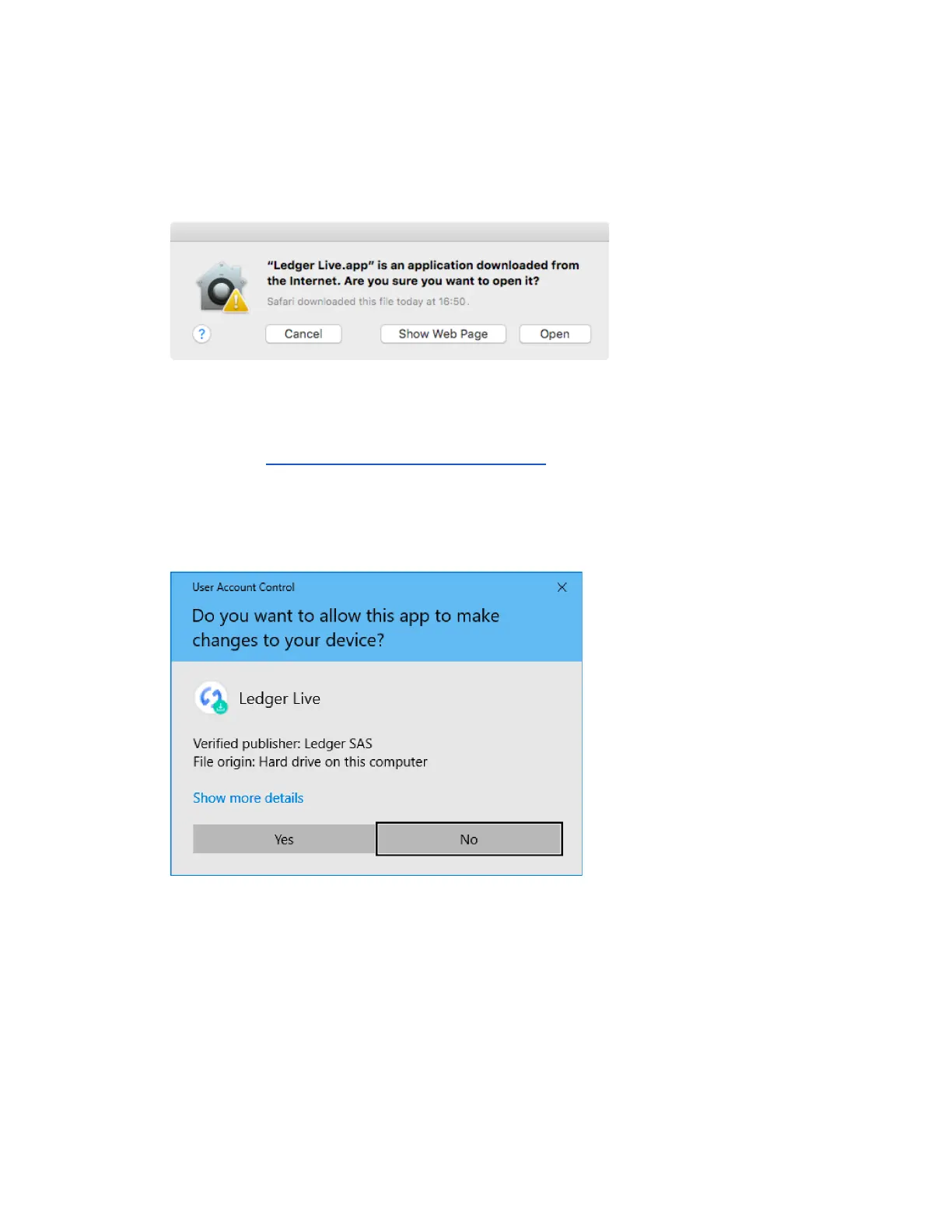
6. Depending on your macOS version, the following message displays. Click Open to
allow the installation.
1.2 Installing Ledger Live on Windows
1. Navigate to ledger.com/ledger-live/download.
2. Download the Ledger Live application.
3. Double-click the Ledger Live executable file you downloaded.
4. If a warning displays, click Yes to allow the installation of Ledger Live.
5. Once the installation completes, click Finish.
1.3 Installing Ledger Live on Linux
You can install Ledger Live on Linux using the command line or the graphical user
interface.
Using the command line



 To Next Page