1 Downloading and installing Ledger Live
Ledger Live lets you manage your crypto assets with the security of your Ledger device.
It supports the Ledger Nano S Plus via USB.
Prerequisites
A Ledger Nano S Plus
A computer (at least Windows 8.1, macOS 10.10, or Linux Ubuntu 16.10) with an
internet connection.
An internet connection and an available USB port. Use an adapter for USBC ports.
Instructions
Depending on your OS, follow the steps to install Ledger Live:
● Mac installation
● Windows installation
● Linux installation
1.1 Installing Ledger Live on Mac
1. Navigate to ledger.com/ledger-live/download.
2. Download the Ledger Live application.
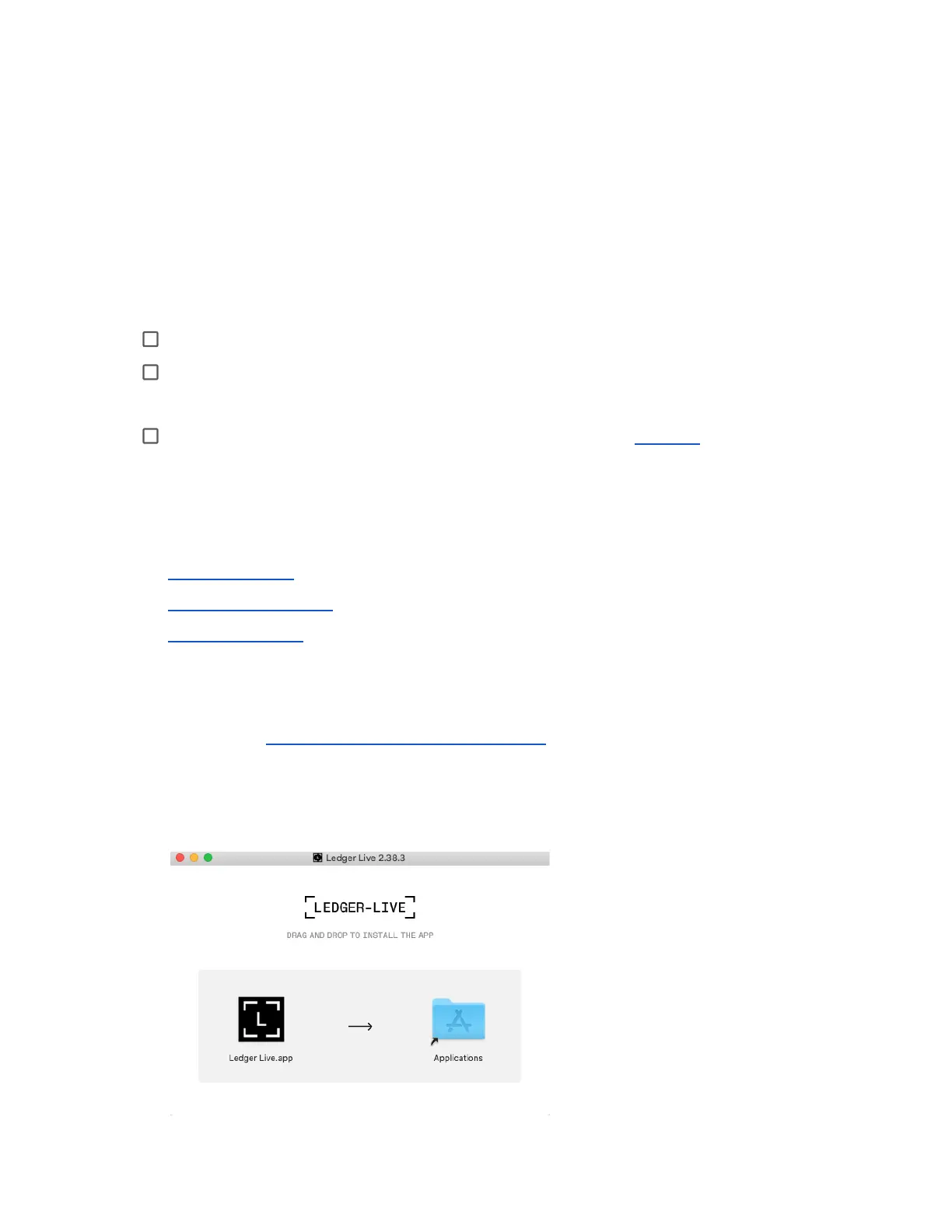
3. Double-click the .dmg file you downloaded.
4. Drag and drop the Ledger Live application to the Applications folder.



 To Next Page